
pixelart:
Automated Insights with Troi and Power BI
From three days of manual Excel work to real-time insights at the push of a button. Discover how the digital agency pixelart transformed its project controlling by connecting Troi with Power BI—enabling automated KPI dashboards, precise revenue forecasting, and a new level of financial transparency.
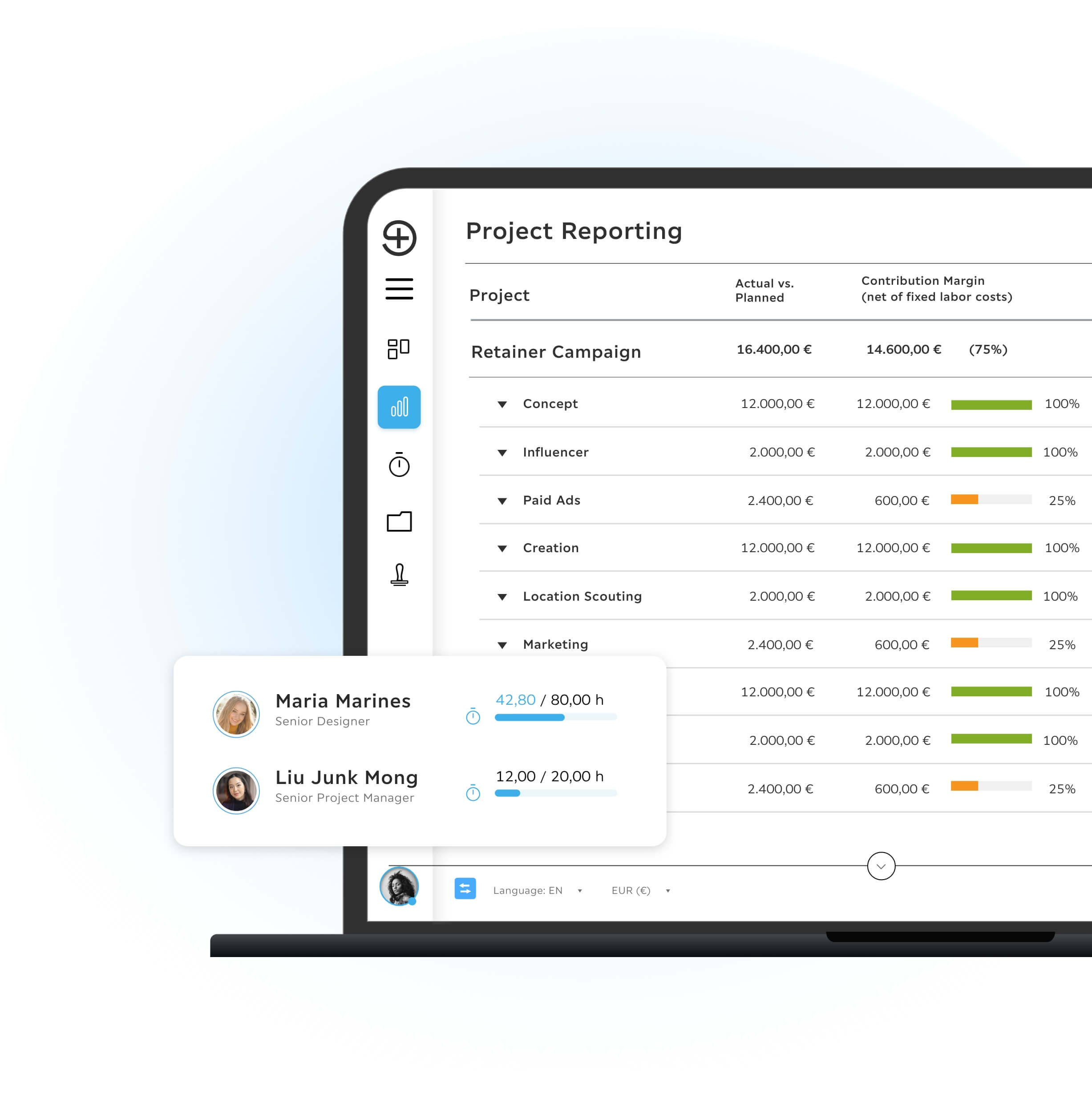
Custom KPI Dashboards with Troi and Power BI
Troi has been in use at pixelart for over ten years and serves as the central platform for daily project operations.
Profile
Mirja Wohlfeil is Assistant to the Board and responsible for Finance and Controlling at pixelart.
pixelart is a digital agency operating across Europe.
It creates digital experiences that inspire users and support companies in achieving measurable success.
The agency develops and activates brands, companies and startups across digital channels with a focus on delivering maximum value.
“The real-time Power BI evaluations help us get a quick overview every day. Monthly evaluations are no longer necessary. Trends can be identified much earlier and acted upon.”
 Mirja Wohlfeil , pixelart, Assistant to the Board
The Challenge
To create team utilization reports, project status updates and revenue forecasts, data from Troi was previously exported and manually combined in various Excel reports.
This required up to three working days every month. To reduce manual workload and accelerate insight, a Power BI interface was implemented to automate reporting.
The Solution
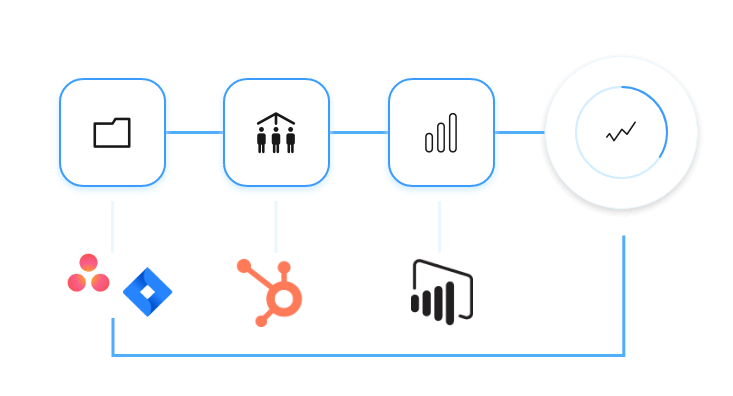
Custom Power BI dashboards were developed for pixelart, using live data transferred directly from Troi. These dashboards present all relevant financial and project performance information in real time.
Data structures were standardized and aligned with the accounting and billing process to ensure accurate revenue reporting and forecasting. The dashboards include:
- Revenue reporting and forecasting at business unit level
- Client profitability overview
- Pipeline and sales development monitoring
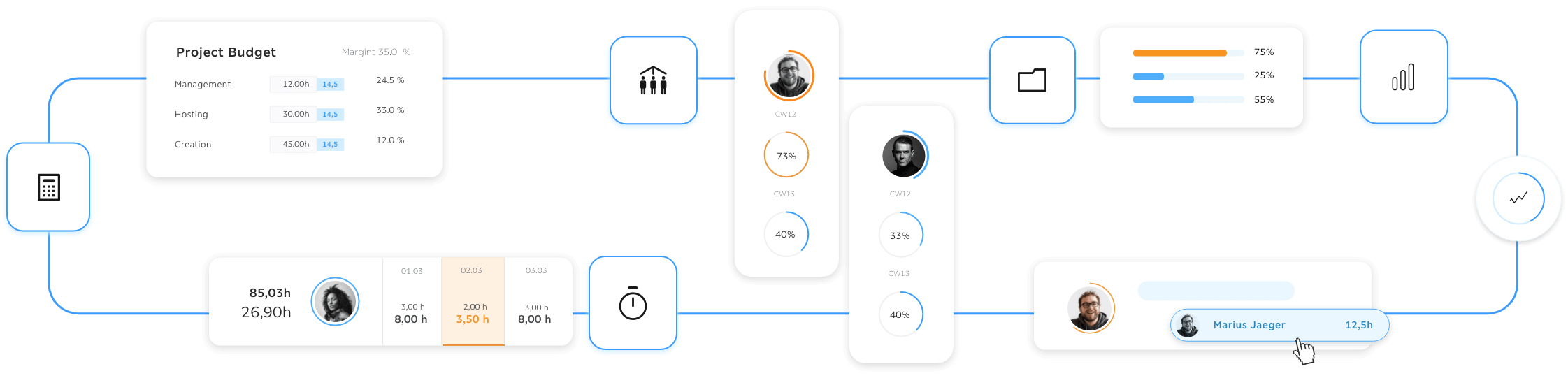

Business Performance Report
The KPI report consolidates current-year revenue and a three-month revenue forecast.
Deviations at monthly and annual levels are automatically highlighted.
The Sales Monitor displays the value of currently commissioned projects at client level.
The Lead Pipeline reflects the total value of all current proposals.
Client Profitability
Using field blocking, certain data cannot be changed or deleted retrospectively. This applies to both billable project hours an
Client profitability can now be assessed based on:
- Revenue contribution
- Resource utilization
- Cost structures
- Performance trends over time
This transparency enables more accurate strategic decisions regarding account development and resource allocation.
d financial amounts of individual items.
Field blocking ensures that entered data is protected from subsequent changes.

Stay Ahead with Troi Updates
Be the first to hear about new features, product improvements and upcoming webinars. Our newsletter keeps you informed about everything that helps you work smarter with your PSA platform.
Result
pixelart now benefits from:
- Automated reporting instead of manual Excel work
- Real-time KPI dashboards for faster decision-making
- More accurate revenue forecasting
- Clear visibility into client profitability
- Reduced workload in Finance and Project Management
Troi combined with Power BI enables pixelart to control projects, revenue flows and resource planning more precisely and with less administrative effort.