

troi

Quote Calculation

Compare both generations

Quote calculation

Less calculating. More deciding

troi ai·on does the arithmetic of an offer, so the time goes into the decision.

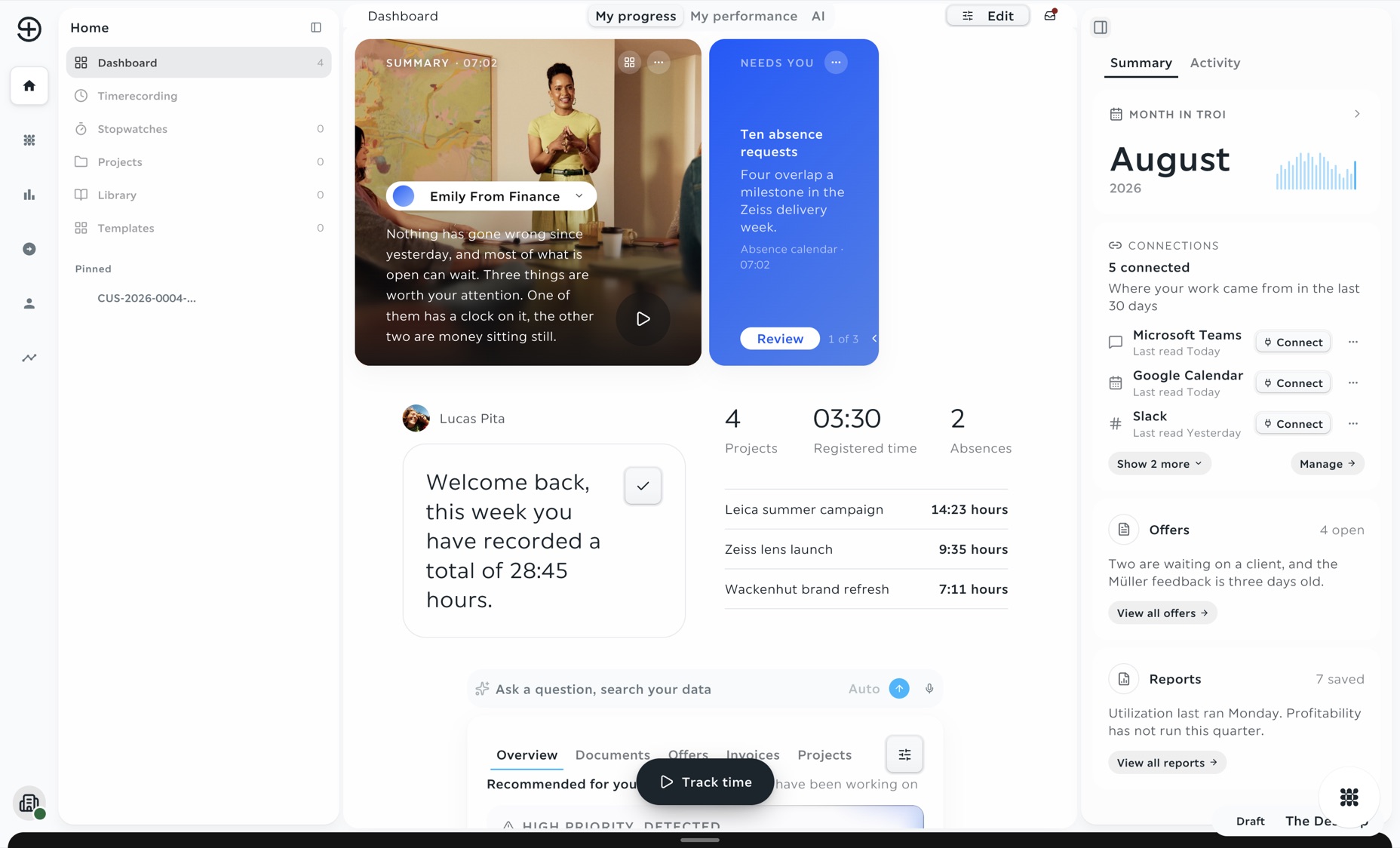
The troi dashboard with the week's hours and four open offers, two of them waiting on a client

Every quote starts from your own price list

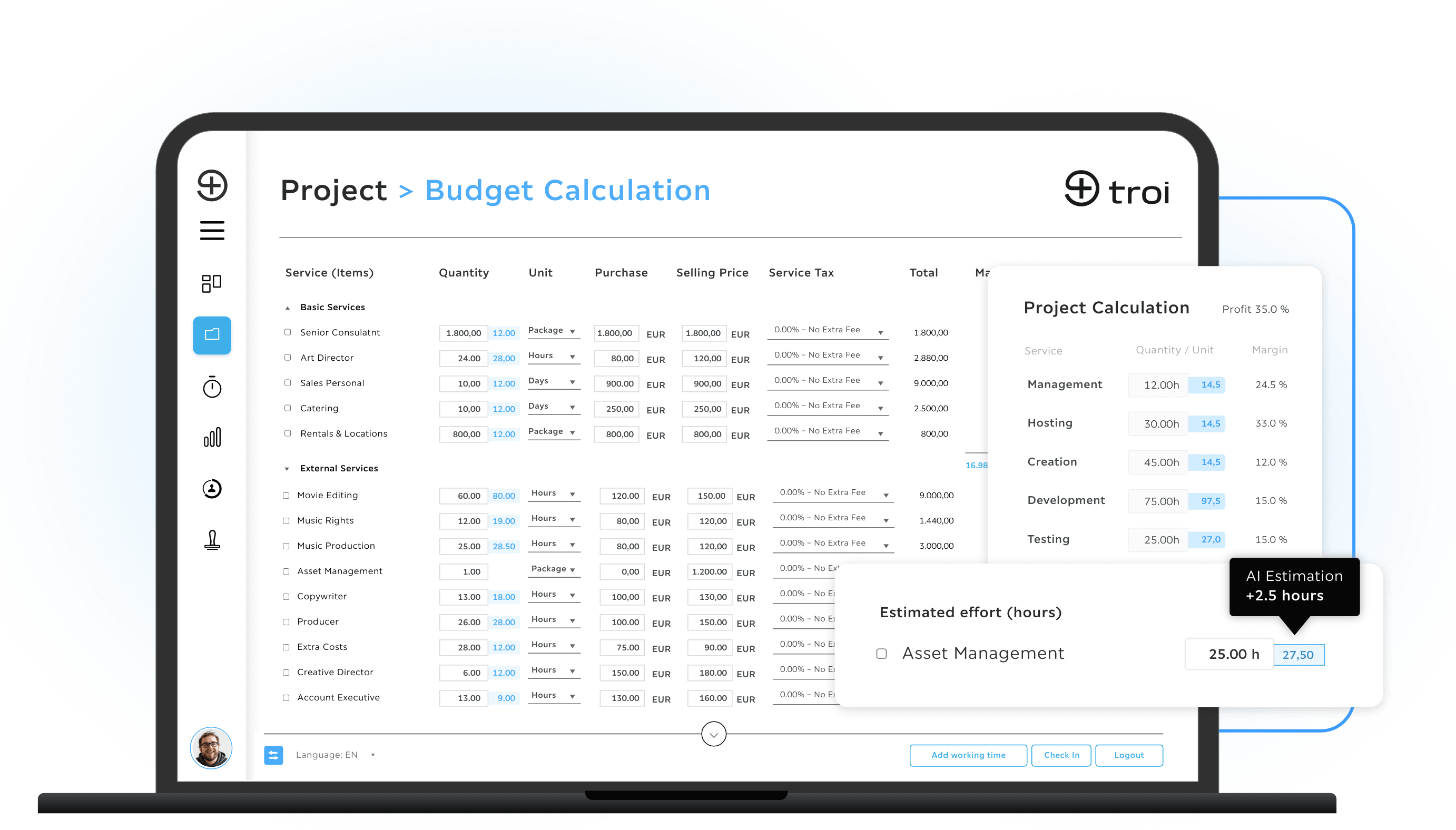
Build the quote from your own price list. Each line takes its unit, cost and sales price from the list, alone or in a group, with discounts, surcharges and tax where they apply. troi ai·on adds up the lines and shows the margin of the quote as you type, and a team lead approves it before it goes out.

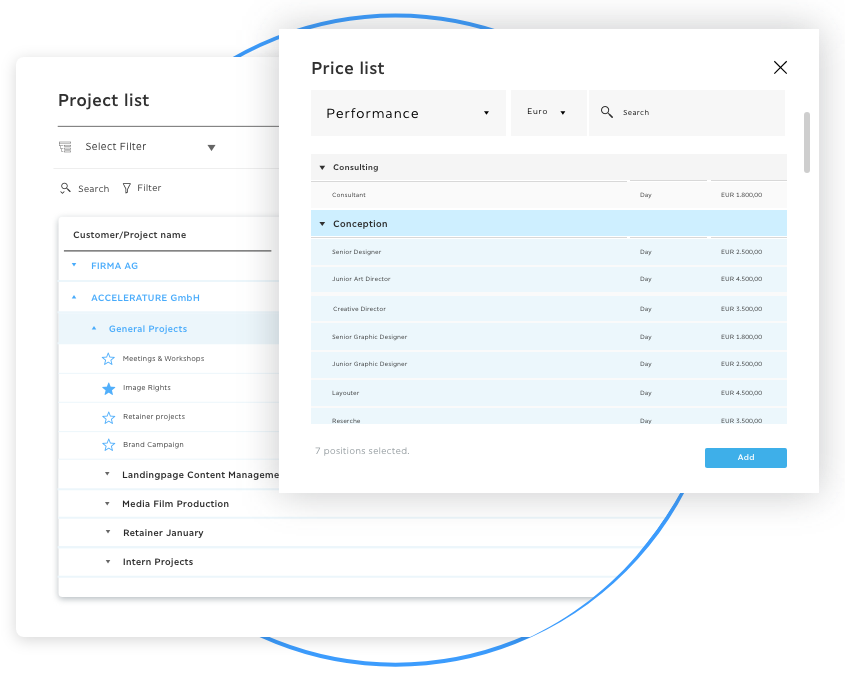
Service items come from your price list, each with its unit, currency, cost and sales price. Add one to the quote, and the line carries them.

Arrange lines singly or in groups, set quantities and units, and add a discount or surcharge in percent. Tax rates sit on each line, so net, tax and gross add up on their own.

Cost and sales price sit on every line, and the margin updates as you type. A team lead approves the quote, and it leaves as a PDF in your own layout.

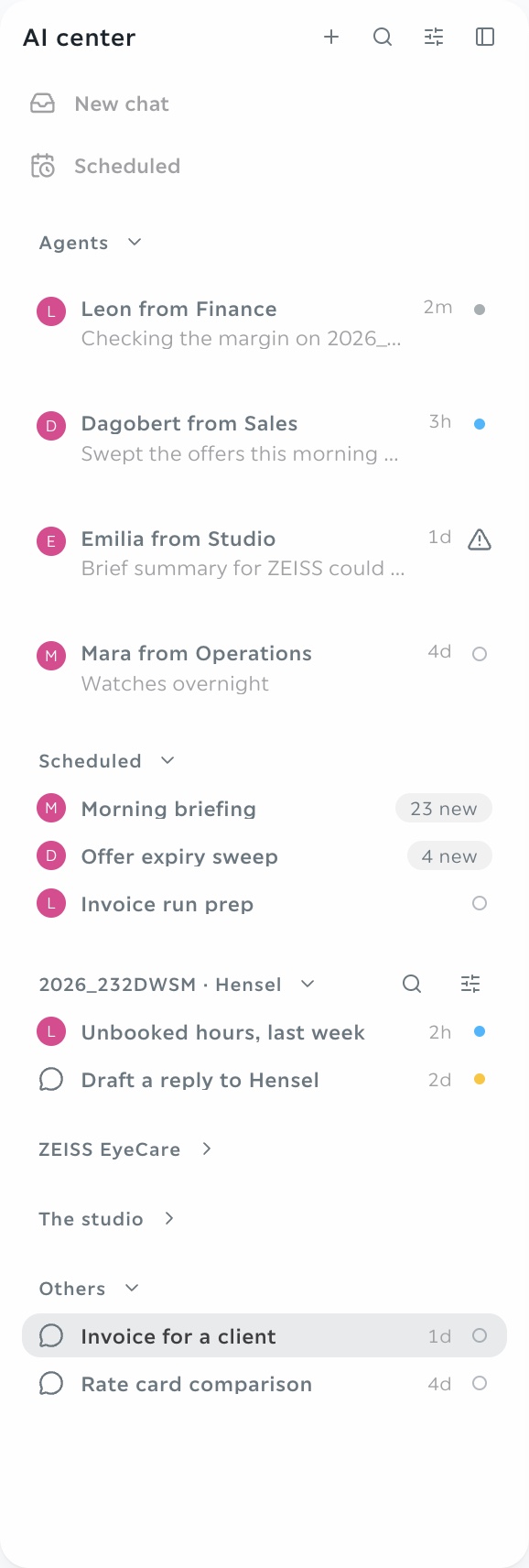
The AI center in troi: the agents Leon from Finance, Dagobert from Sales, Emilia from Studio and Mara from Operations, scheduled runs such as an offer expiry sweep, and chats such as a rate card comparison
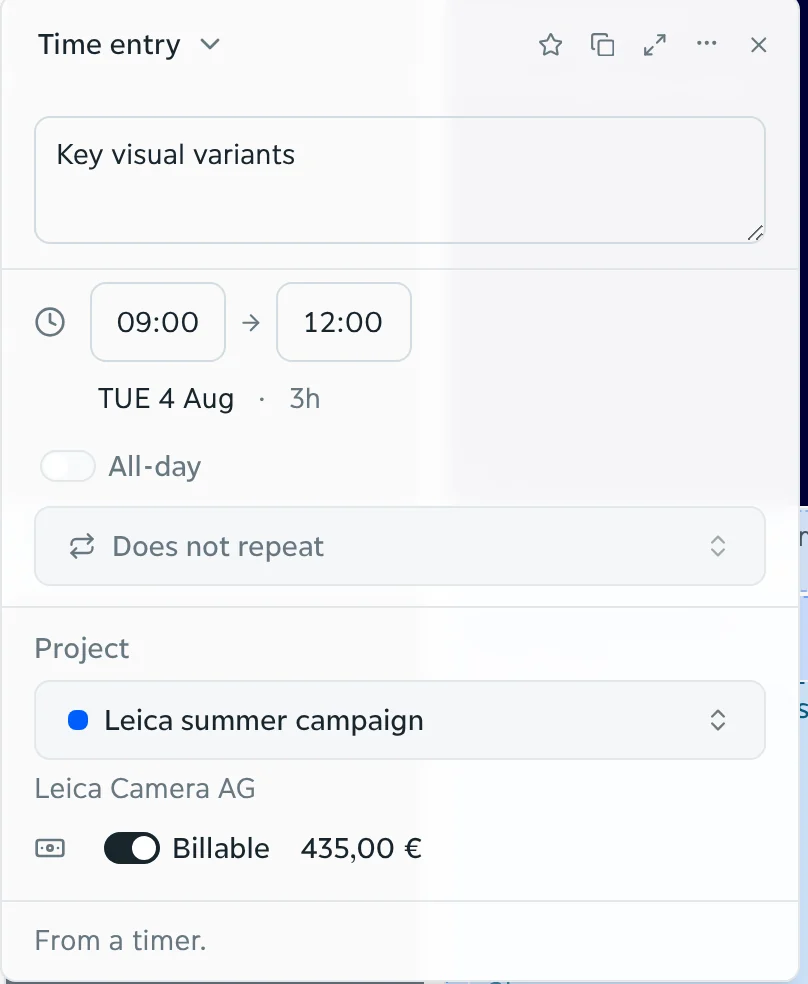
A time entry in troi: key visual variants, Tuesday 09:00 to 12:00, a summer campaign, 435.00 euros
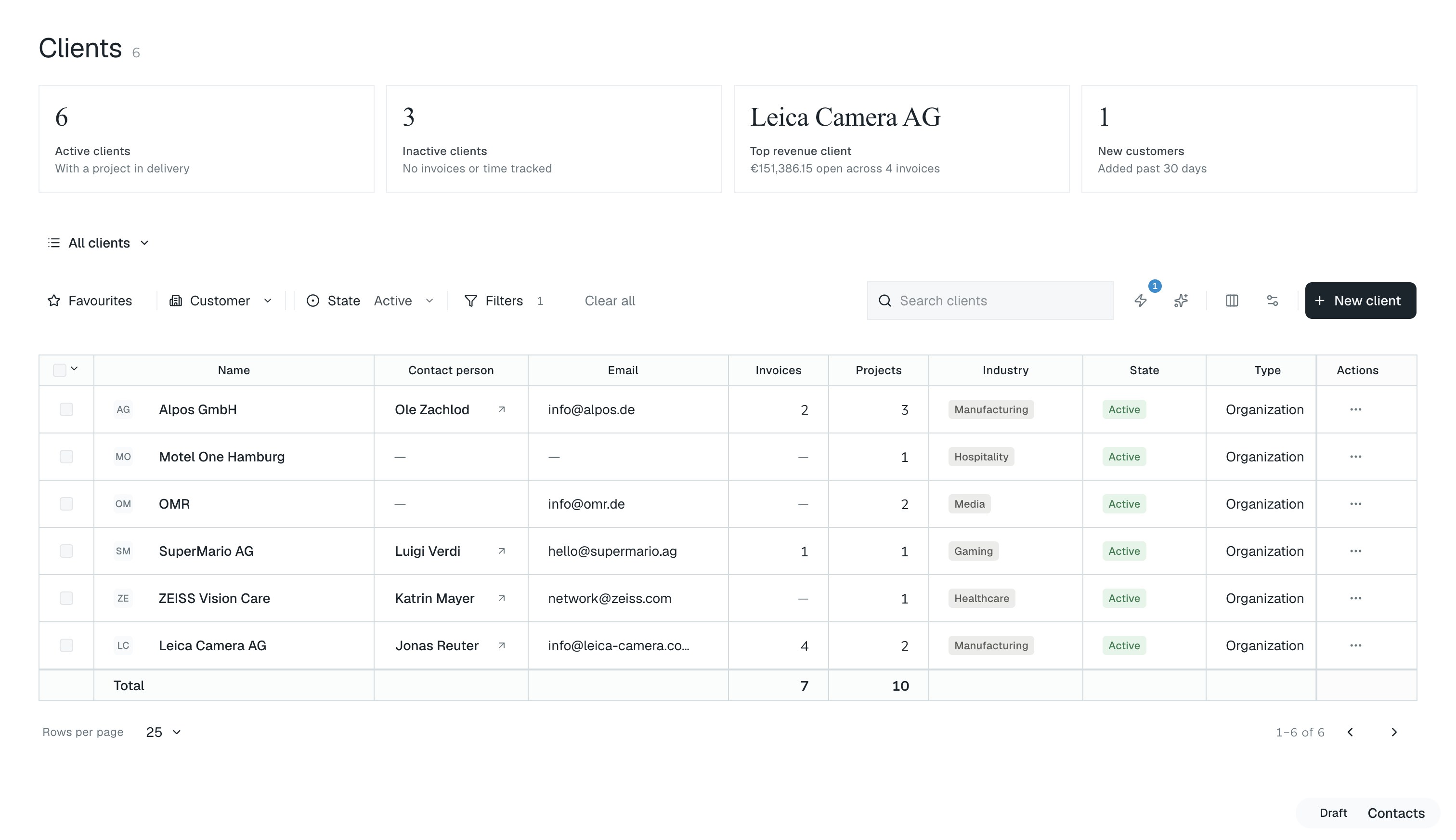
The client list in troi: six active clients and a table of clients with contact person, email, industry and state

In the product

Less manual work, more time to decide

Build the quote from the price list

troi ai·on does the arithmetic of an offer, so the time goes into the decision. Add service items from the price list, and each line carries its unit, rate and tax, while troi adds up the lines and shows the margin.

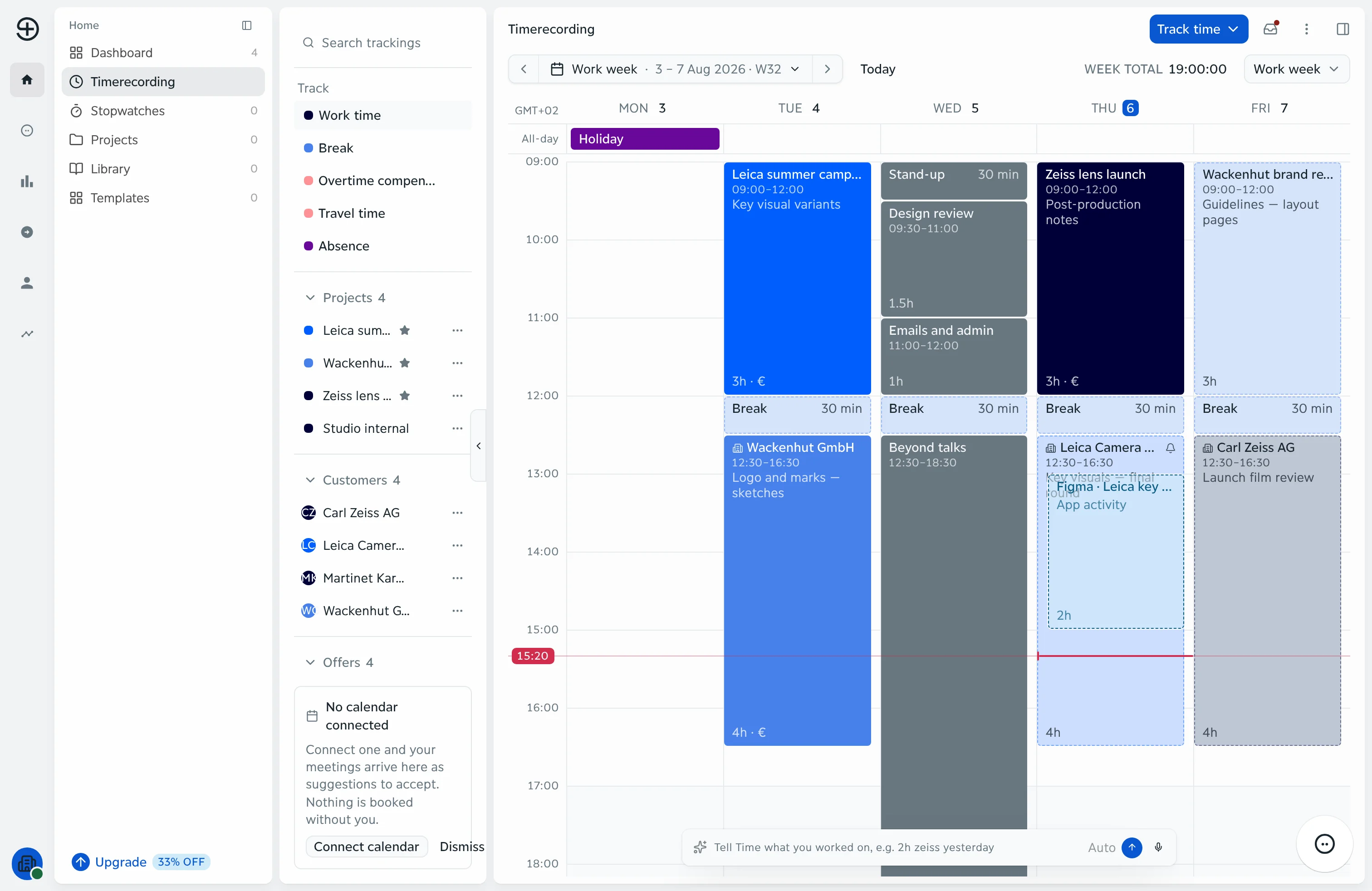
The week in troi with the panel beside it: what to track, the customers and the open offers

Approvals before it leaves

A team lead approves the quote before it goes out. Until then it stays a draft, and nothing reaches the client by accident.

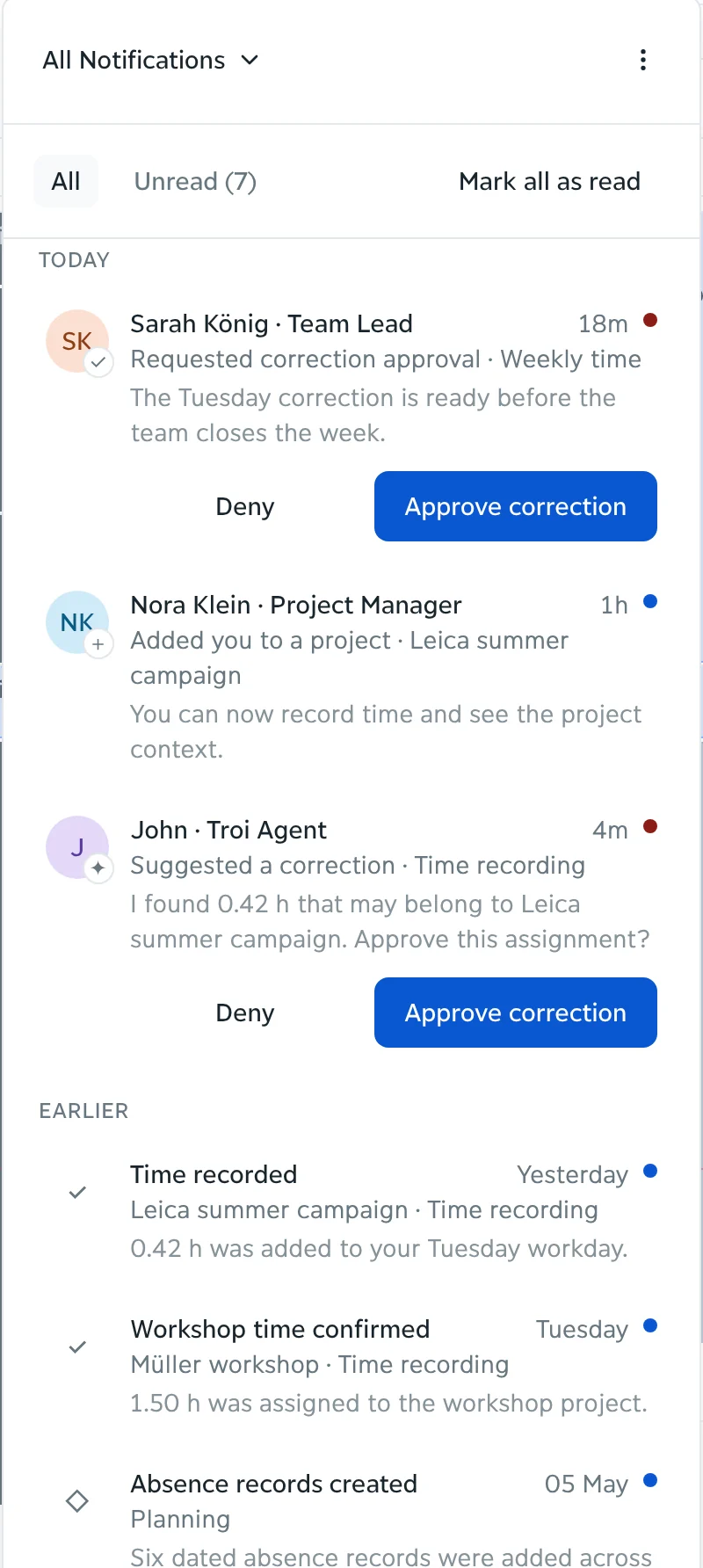
The inbox in troi: two requests waiting for approval, each with Approve and Deny

An example

From the price list to an approved quote

  1. Pick the services. Key visual variants, art direction and retouching by a third party come from your price list, each with its unit, cost and sales price.
  2. Set the quantities. 31 hours for the key visual variants, 12 for art direction, one third-party cost. Discounts, surcharges and tax go on the line where they apply.
  3. troi adds it up. troi calculates the totals and the margin of the quote as you type: €7,675 in total.
  4. You decide. A team lead approves the quote, and it goes out as a PDF in your layout.

A quote on the Arnveld summer campaign

Two friends blowing bubble gum under a deep blue sky

Price every quote from your own list, not from memory

troi ai·on takes each line from your price list, with its unit, cost and sales price. You add discounts, surcharges and tax where they apply, and the margin updates as you type. A team lead approves the quote before it goes out.

Discover troi ai·on

How it works

Know the margin before the quote goes out

Prices come from your own list, and every line carries its cost and sales price, so the margin of the quote is visible before anything is sent. A team lead approves the quote, and it goes out to the client as a PDF.

Build the quote, see the margin

Add lines from your price list, one by one or in groups, each with cost and sales price, so you see what every line earns before the quote is sent.

Three friends dancing on a meadow under a summer sky

Adjust the lines, approve the quote

Set discounts, surcharges and tax per line, and the totals and the margin update as you change quantities or rates. A team lead approves the quote before it goes out.

Out in your own layout

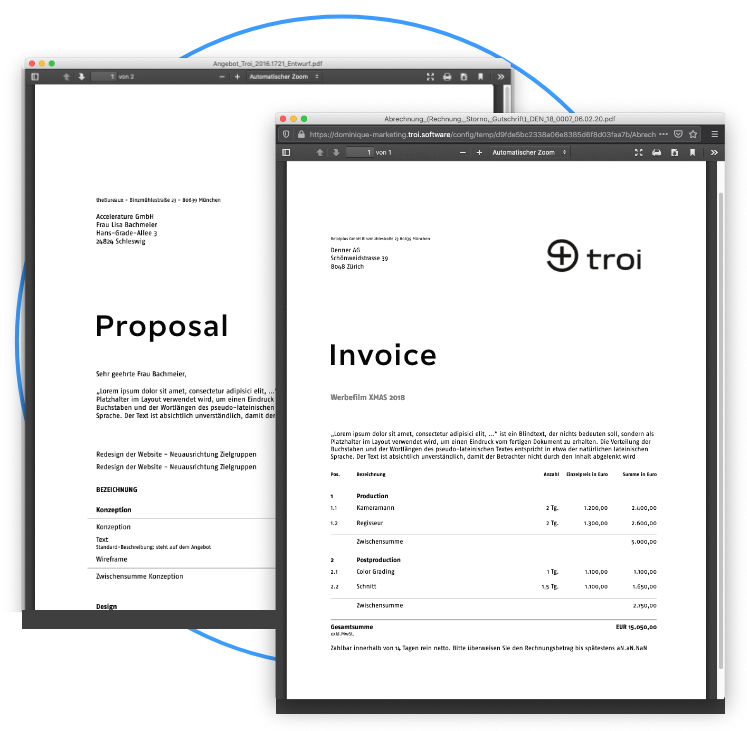
Once approved, the quote goes out as a PDF or on paper, from a print template you adapt to your layout, with its number from your own number range.

The platform

Every part of it

Start where you stand. Grow when you're ready

Core is available now, from €9.95 a month. Intelligence, Performance and Enterprise follow, each with everything before it.

See pricing

FAQs

What is quote calculation software?

Software that calculates a quote before it goes out: lines from a price list with quantity, unit, cost and sales price, discounts, surcharges and tax, and the totals and margin of the quote. In troi ai·on this is quote calculation, and a team lead approves the quote before it is sent.

What is the difference between troi five and troi ai·on when calculating a quote?

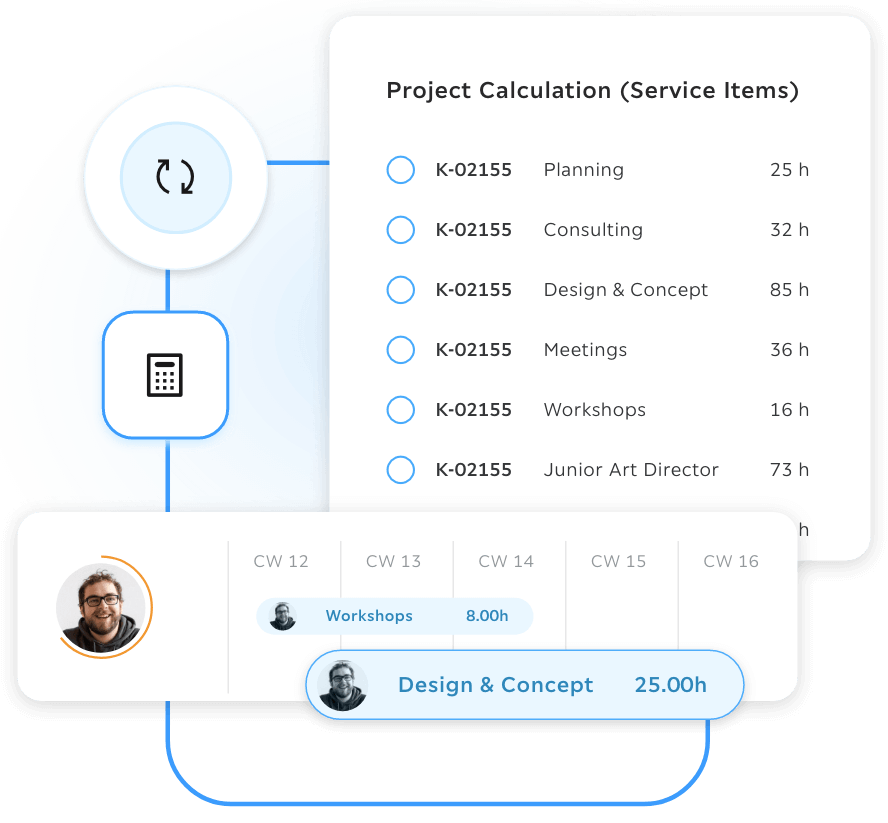
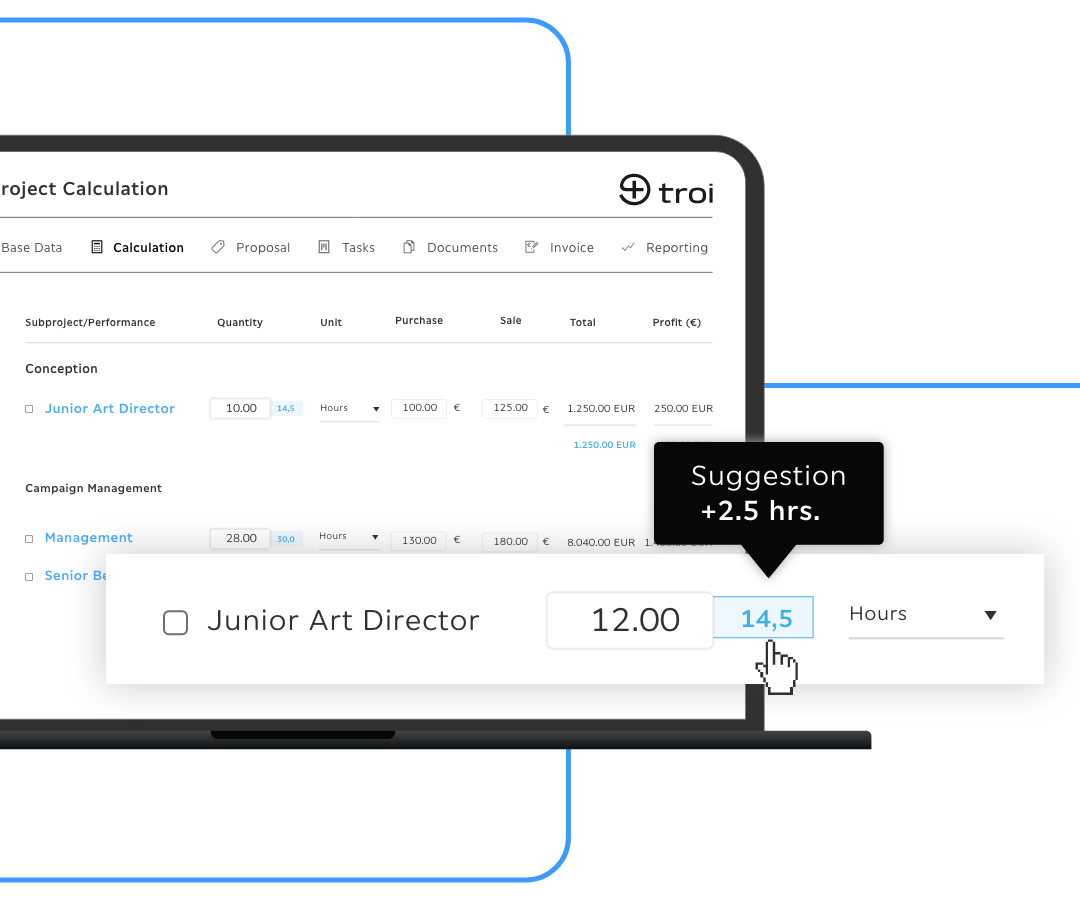
In troi five the calculation is built inside the project from the price list, the Smart Calculation module can propose hours from finished projects, and the quote is created from that calculation. In troi ai·on the quote is calculated directly from the price list, with discounts, surcharges, tax, totals and the margin of the quote, and approved before it goes out.

Build the way you work best

Your company already creates the experience.

Request a demo