

troi

Time Tracking

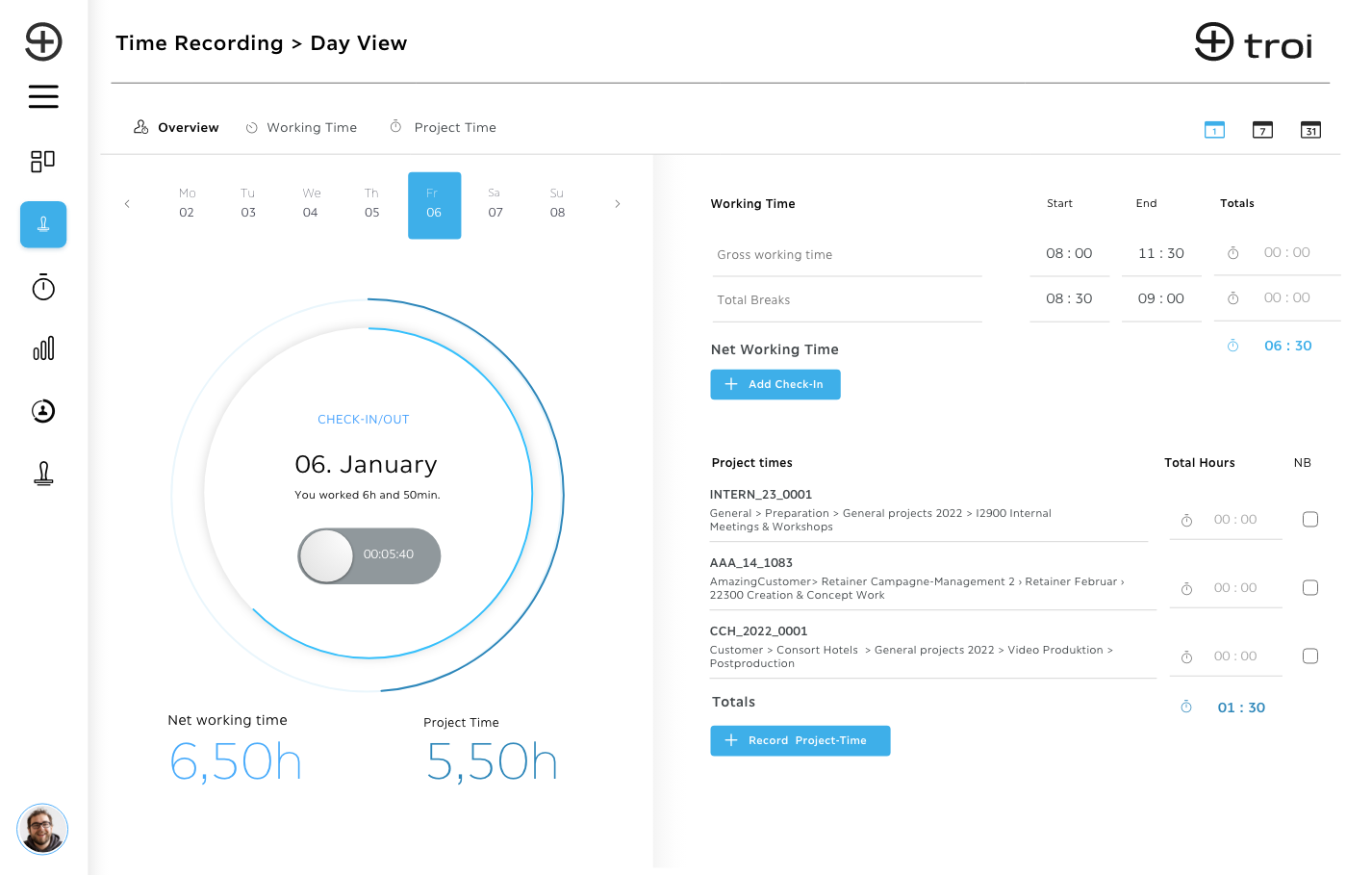
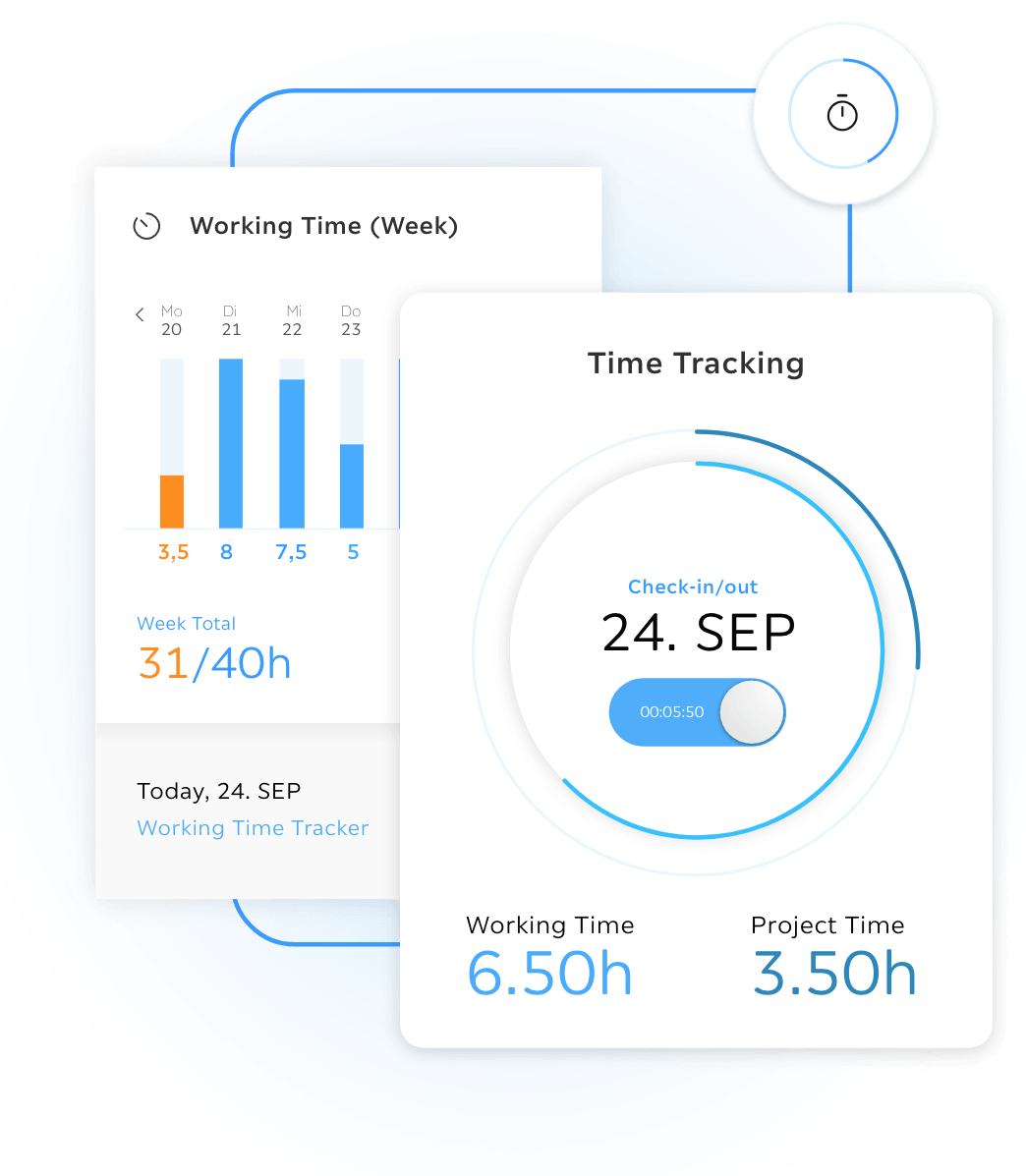
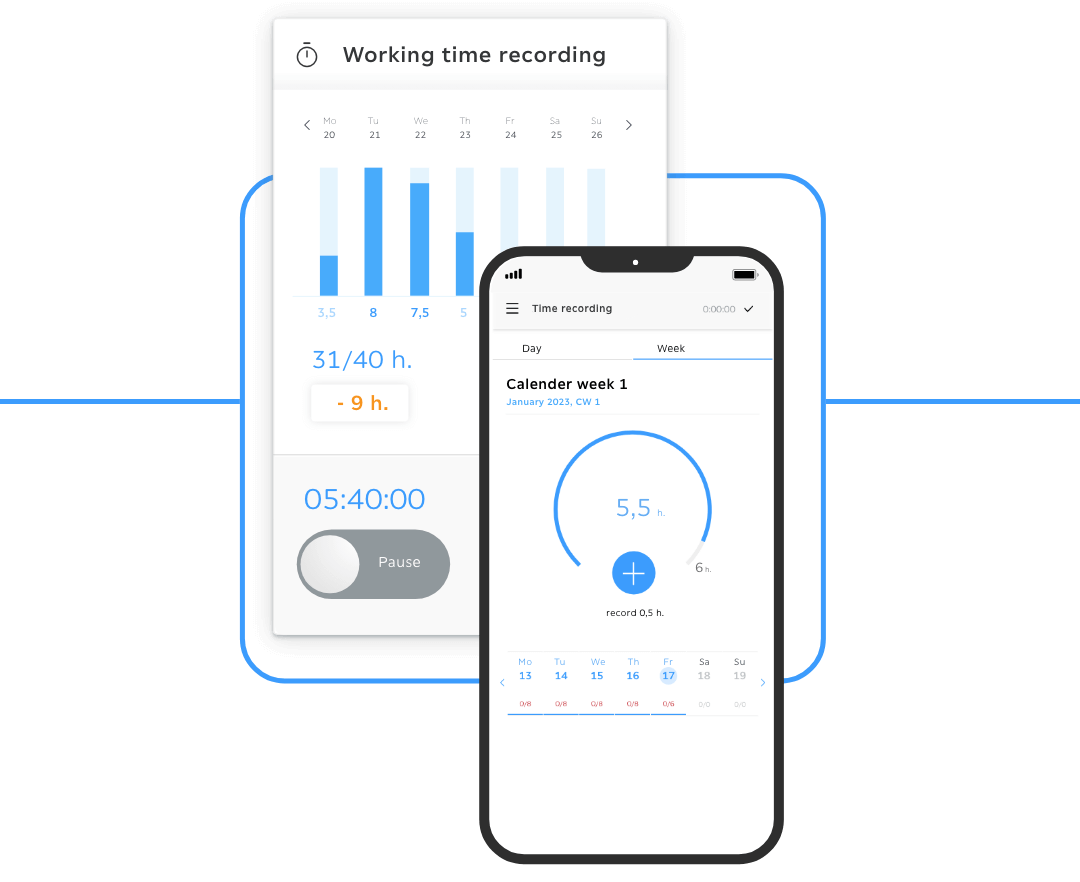
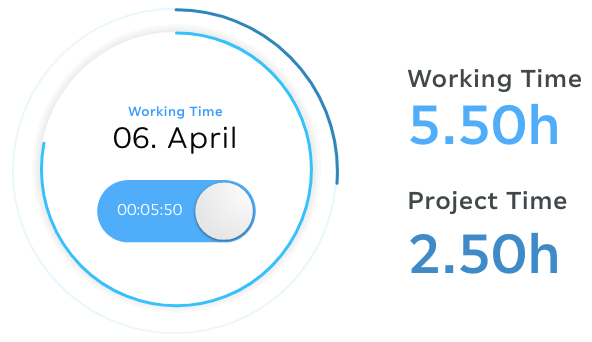
Compare both generations

Time tracking

Project time tracking, where the work happens

troi ai·on drafts your hours from the work itself, or records them from a sentence you type or say. You approve, troi books.

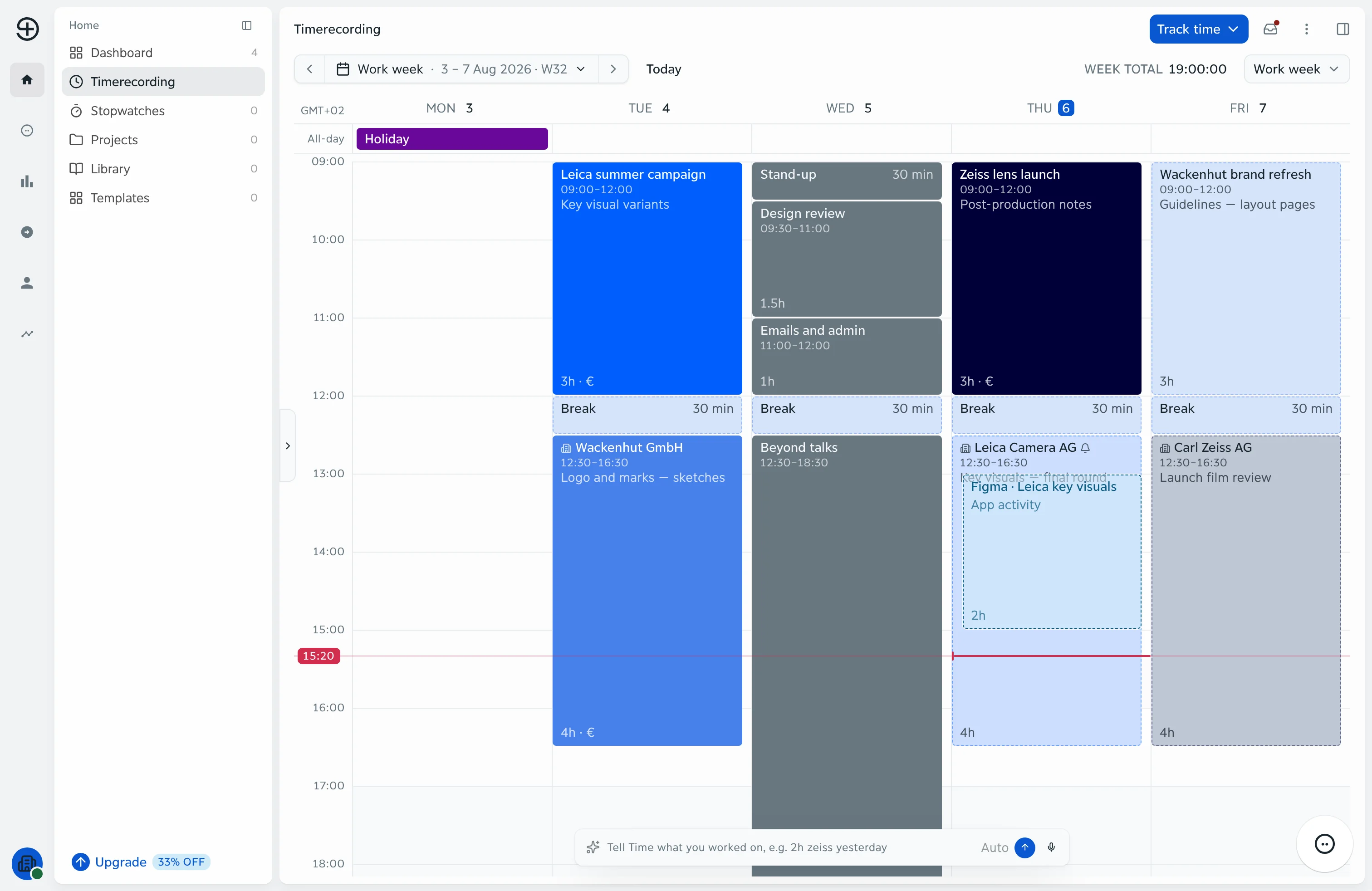
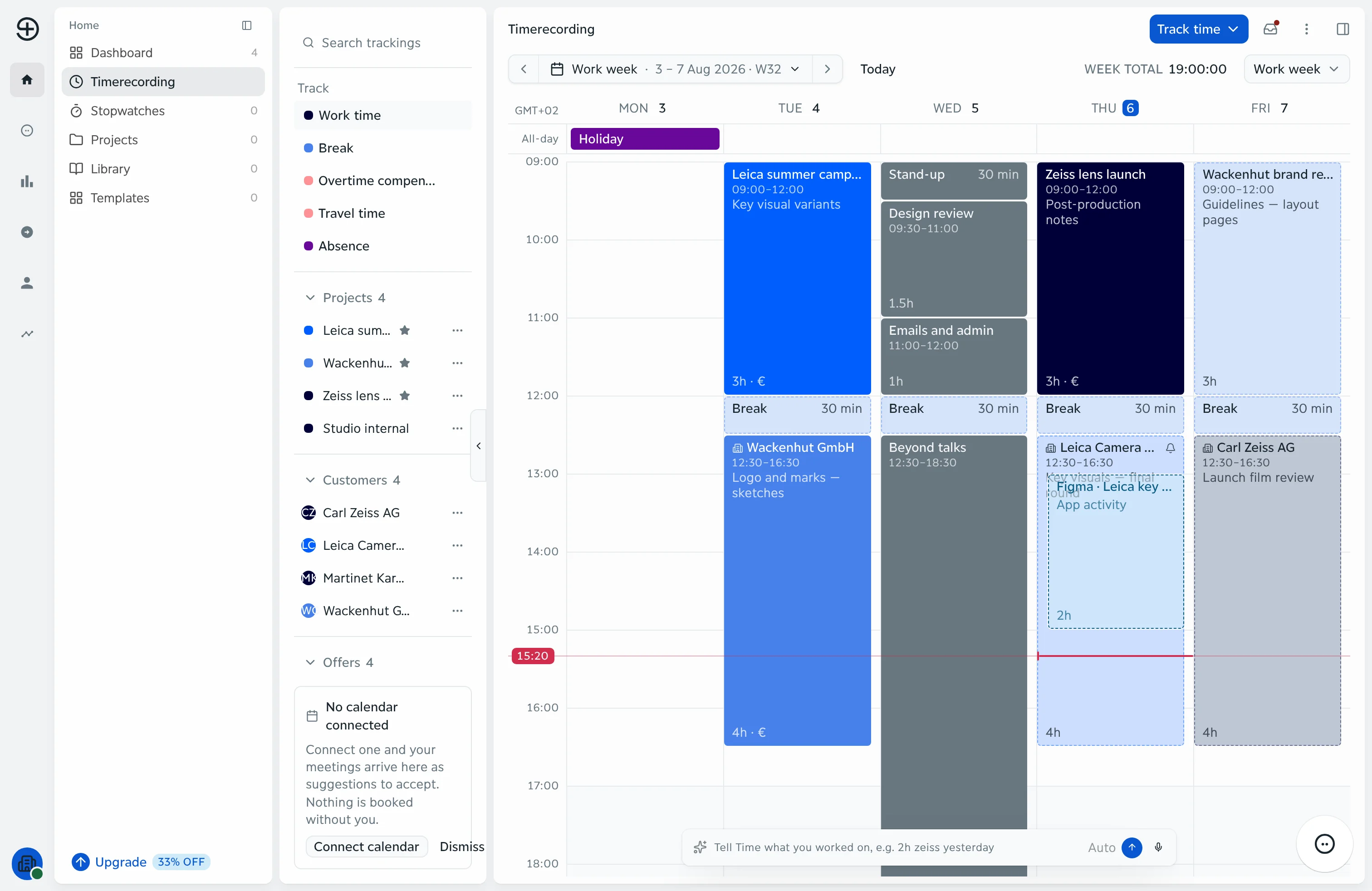
A work week in troi: entries per day on three client projects, breaks, two hours seen in Figma on Thursday, the now line at 15:20 and the week total of 19 hours

Every hour, where it belongs

troi ai·on drafts your hours from the work itself: the calendar, the timer and the apps you worked in. Or you simply tell it, in a sentence you type or say, and troi records the entry with its project and service line. You approve every draft, and nothing is booked until you keep it.

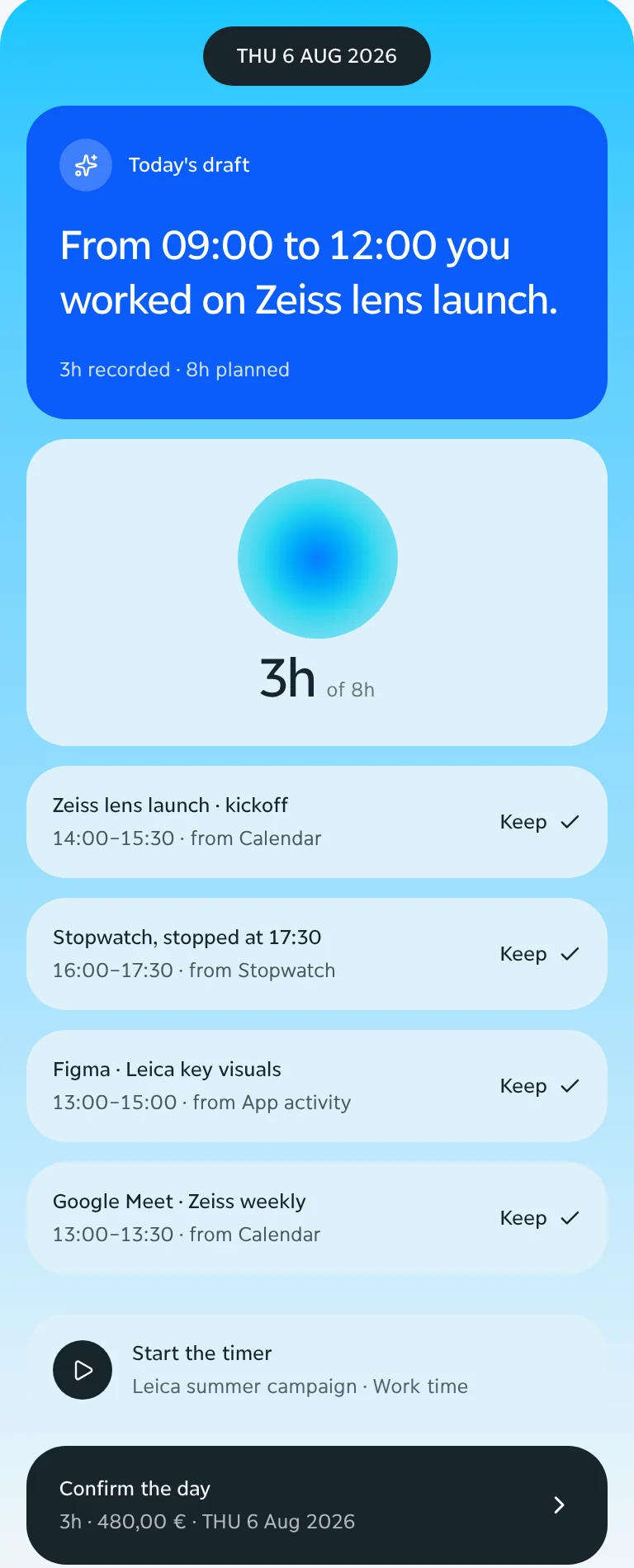
troi drafts your day from what you worked on: the calendar, the timer and the apps you used. You review the drafts and keep them with one click. Nothing is booked until you approve it.

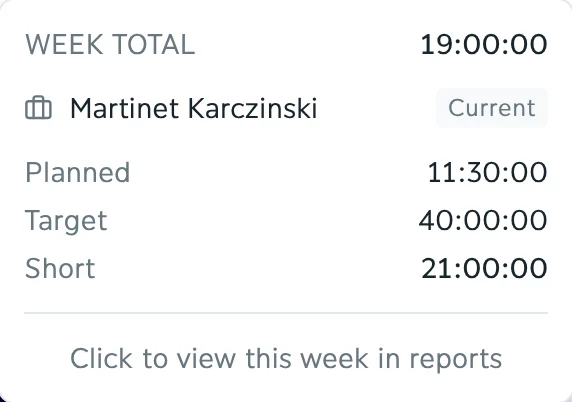
Recorded, planned and still missing, against the week's own working-time model: 19 of 40 hours on a Thursday afternoon, 21 still to record.

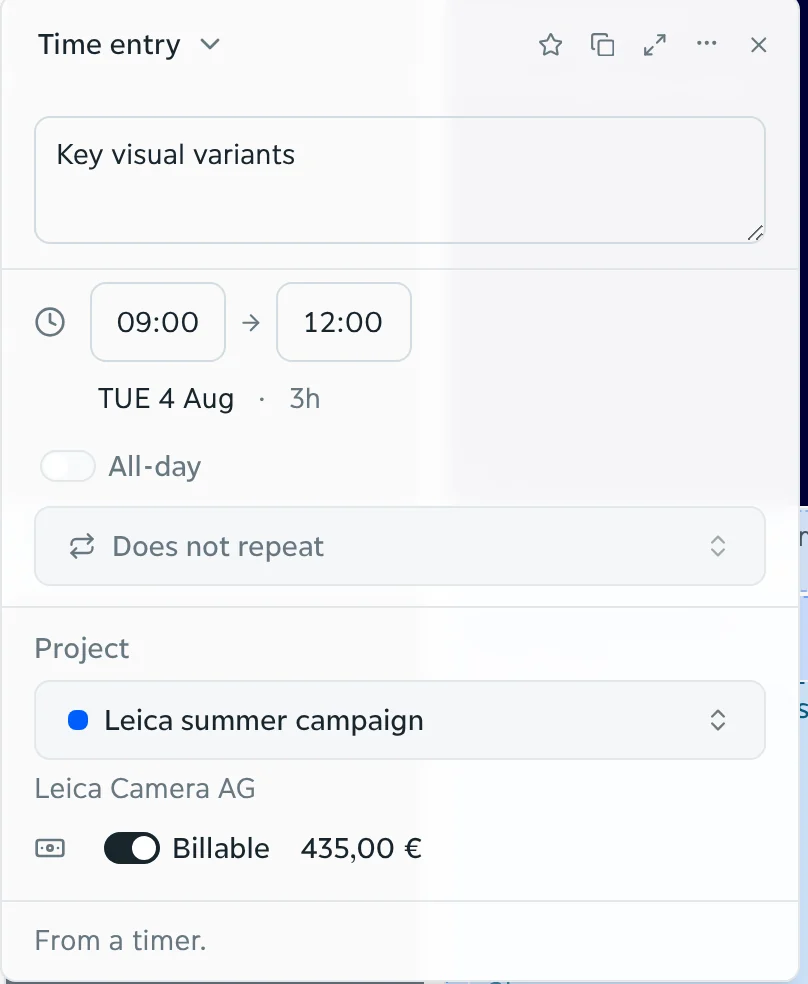
Type or say what you did, like “three hours of Arnveld key visuals this morning”. troi records the entry with its project, task and service line, priced at its rate: €435 before anyone writes an invoice. You confirm it.

A day on a phone in troi: today's draft, three hours recorded, and the entries seen in the calendar, a stopwatch and Figma, each with Keep
The week's total in troi: 19 hours recorded, 11.5 planned, a 40-hour target, 21 hours short
A time entry in troi: key visual variants, Tuesday 09:00 to 12:00, a summer campaign, billable, 435.00 euros, from a timer

In the product

Every hour on the right project, ready to bill

Book onto anything you work on

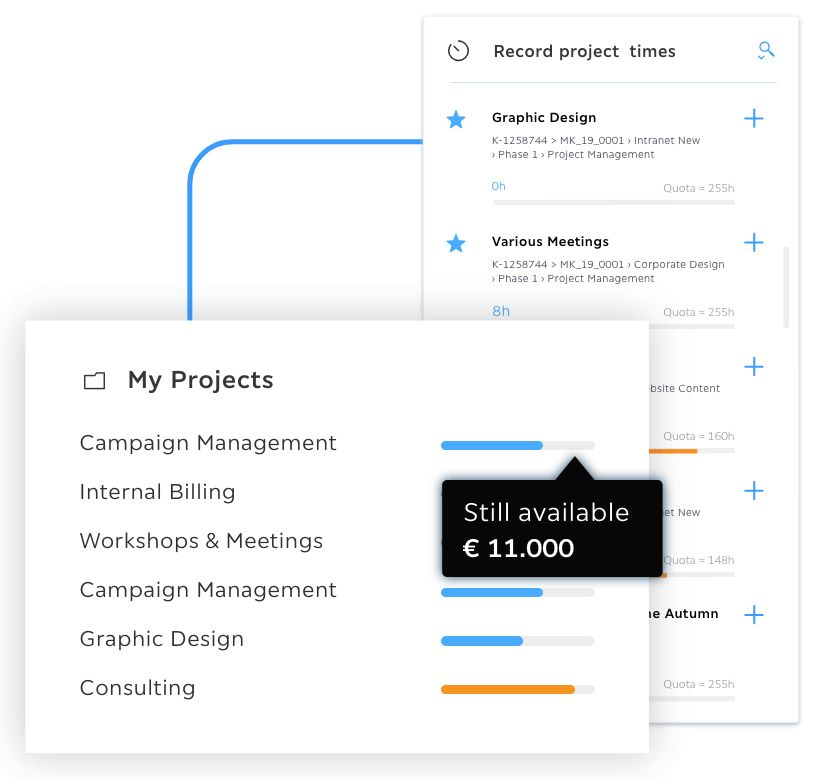
Projects, customers and offers sit beside the week. Drag one onto an hour, and the entry carries it.

The week in troi with the panel beside it: what to track, the projects, the customers and the offers

Let the agent find the hours you missed

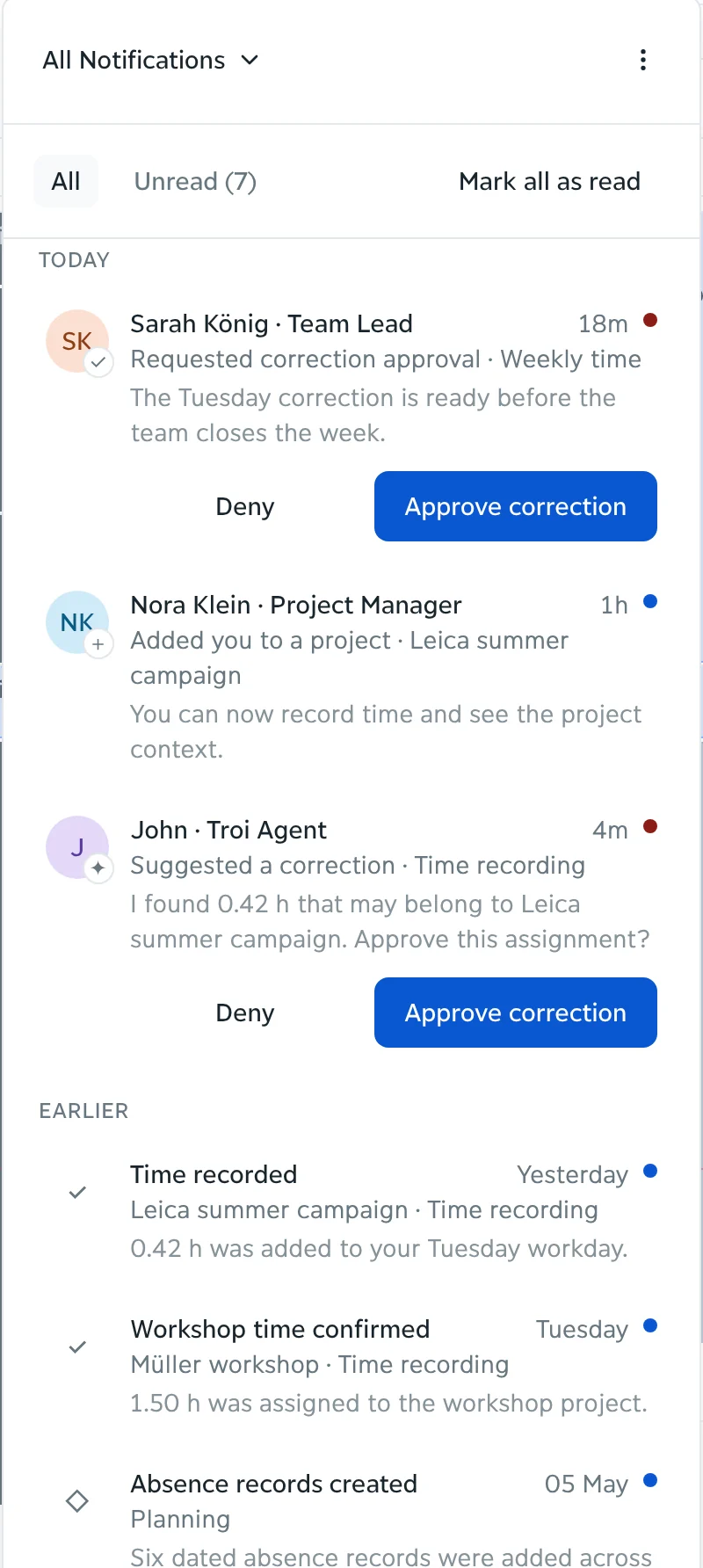
The troi agent checks the week for time without a project and suggests where it belongs: 0.42 h that may belong to the Arnveld summer campaign. You approve or deny, and a team lead approves a correction before the week closes.

From the inbox in troi: John, the troi agent, suggested a correction in time recording. I found 0.42 h that may belong to a summer campaign. Approve this assignment? With Deny and Approve correction

An example

The timesheet fills itself

  1. Recorded while you work. On Tuesday the timer recorded three hours of key visual variants: €435 at €145 an hour.
  2. Drafted from where you worked. On Thursday troi saw two more hours in Figma on the Arnveld key visuals and drafted them.
  3. Kept with one click. One click keeps the draft, and the week shows five hours, €725.
  4. Two more hours to bill, +€290. Rebuilt from memory on Friday, the week would show three. The same hours later tell project estimation what comparable work really costs.

A week on the Arnveld summer campaign

Seen from above, a team around a wooden coffee table on a patterned rug, with a laptop, two phones and two glasses on it

Make recording work time a review, not an entry

troi ai·on drafts each hour from where the work happened, or records it from a sentence you type or say. You approve, correct or dismiss it. Drafts come from the calendar, the timer and the apps you worked in, each with its project, task and service line, and nothing is booked until you keep it.

Discover troi ai·on

How it works

Record time before it’s forgotten

More of the hours you work reach the invoice: captured while the work happens, held against the budget, billed when the week closes. Each hour carries its project and line item, is compared with the planned effort as it arrives and goes to the invoice run with its rate. Reporting and controlling picks up the same figures.

Capture every billable hour

Hours are drafted from the calendar, the timer and the apps you worked in while the work is still fresh, or recorded from a sentence you type or say, each with its project, task and service line. Nothing is booked until you keep it.

A woman in a white sweater works on a laptop on an orange armchair, sunlight falling across the floor

So the budget stays on track

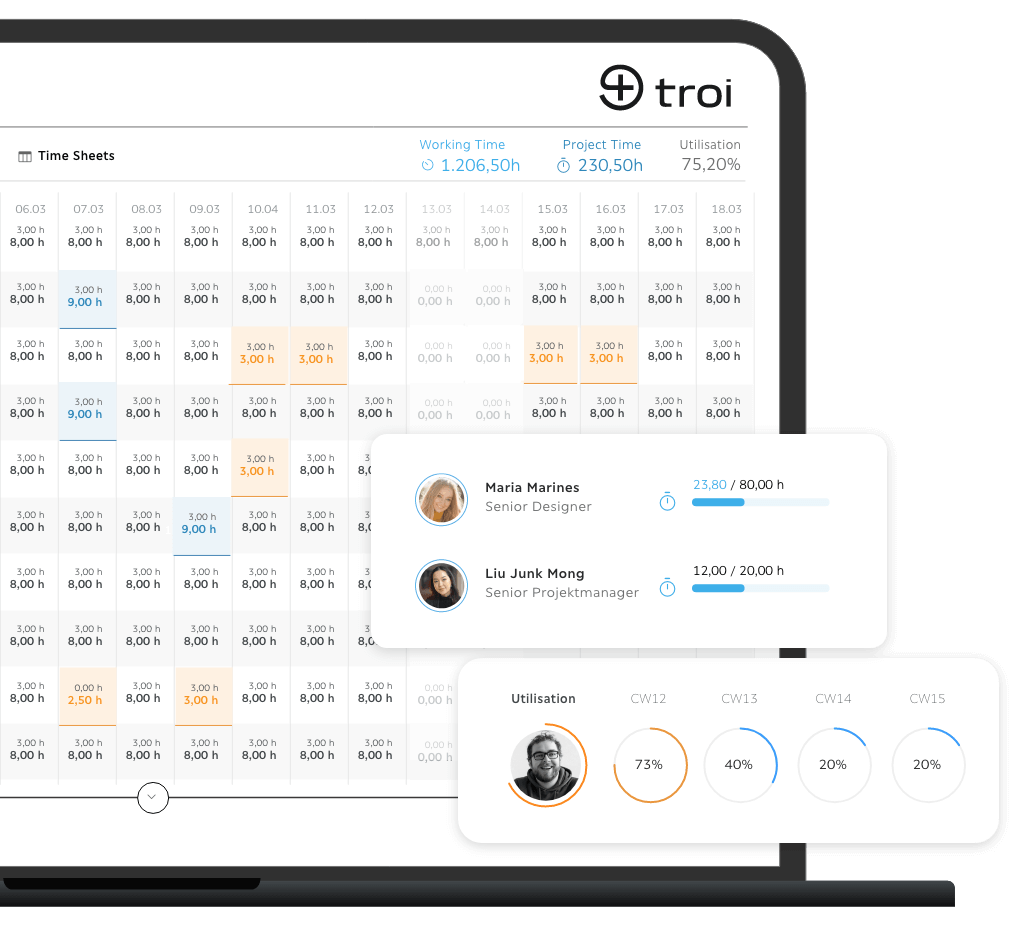
Each hour is measured against the plan the moment it is kept: planned and recorded effort side by side per phase, the remaining estimate updated as entries arrive. An overrun shows while there is still time to act. Target and actual hours per project phase require project structures, which are part of the Performance plan.

And every hour reaches the invoice

Kept hours go to the invoice run with their rates, so the invoice is built from the week itself, as an e-invoice in ZUGFeRD or XRechnung format, and reporting and controlling picks up the figures. Invoicing is part of the Intelligence plan.

The platform

Every part of it

Start where you stand. Grow when you're ready

Core is available now, from €9.95 a month. Intelligence, Performance and Enterprise follow, each with everything before it.

See pricing

FAQs

Where do the entries come from?

From the timer, the calendar and the apps you work in, and from a sentence you type or say. troi drafts them, and nothing is booked until you keep it.

Can hours be recorded on a mobile device?

troi ai·on runs in Chrome on the desktop. Mobile time tracking is available in troi five with the troi Live app.

Does troi separate billable and non-billable hours?

Yes. Every entry carries a line item that marks it as billable or non-billable, which is what the invoice run and the margin calculation use.

What does troi do on its own when recording time?

troi drafts entries and proposes the project and line item. It never books time without your confirmation, and a correction goes to the person who approves it.

Build the way you work best

Your company already creates the experience.

Request a demo