
troi assembles the picture
Hours, costs, approvals and remaining effort are collected as they arrive, per phase.
Functions in troi ai·onFunctions in troi five
Time TrackingProject EstimationTask ManagementResource PlanningReporting & ControllingDigital Receipt CaptureIntegrations & APIsProduct overviewRoles
troi puts budget, remaining effort and capacity on one screen, so a project that is drifting shows this week.
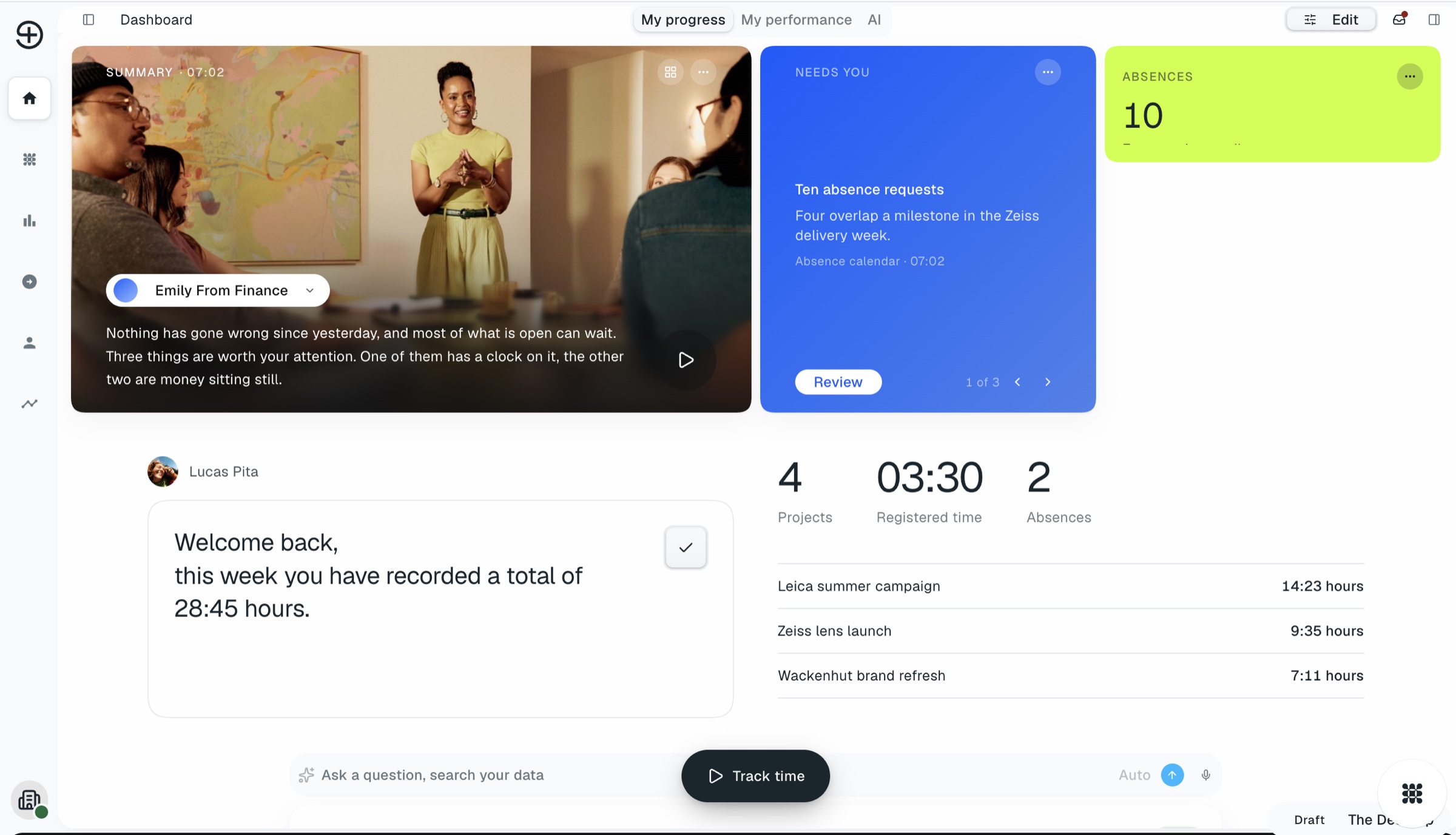
A project manager is accountable for a budget they often did not set, with people they do not line-manage. troi puts the plan, the recorded hours, the remaining effort and the available capacity on the same screen, so the question becomes what to do rather than what is going on.
Recorded hours from time tracking next to planned effort and the remaining estimate, per phase.
Availability, current load and absences from resource planning, before you commit to a date.
A phase drifting towards its limit is marked when it starts drifting, not once it is past.
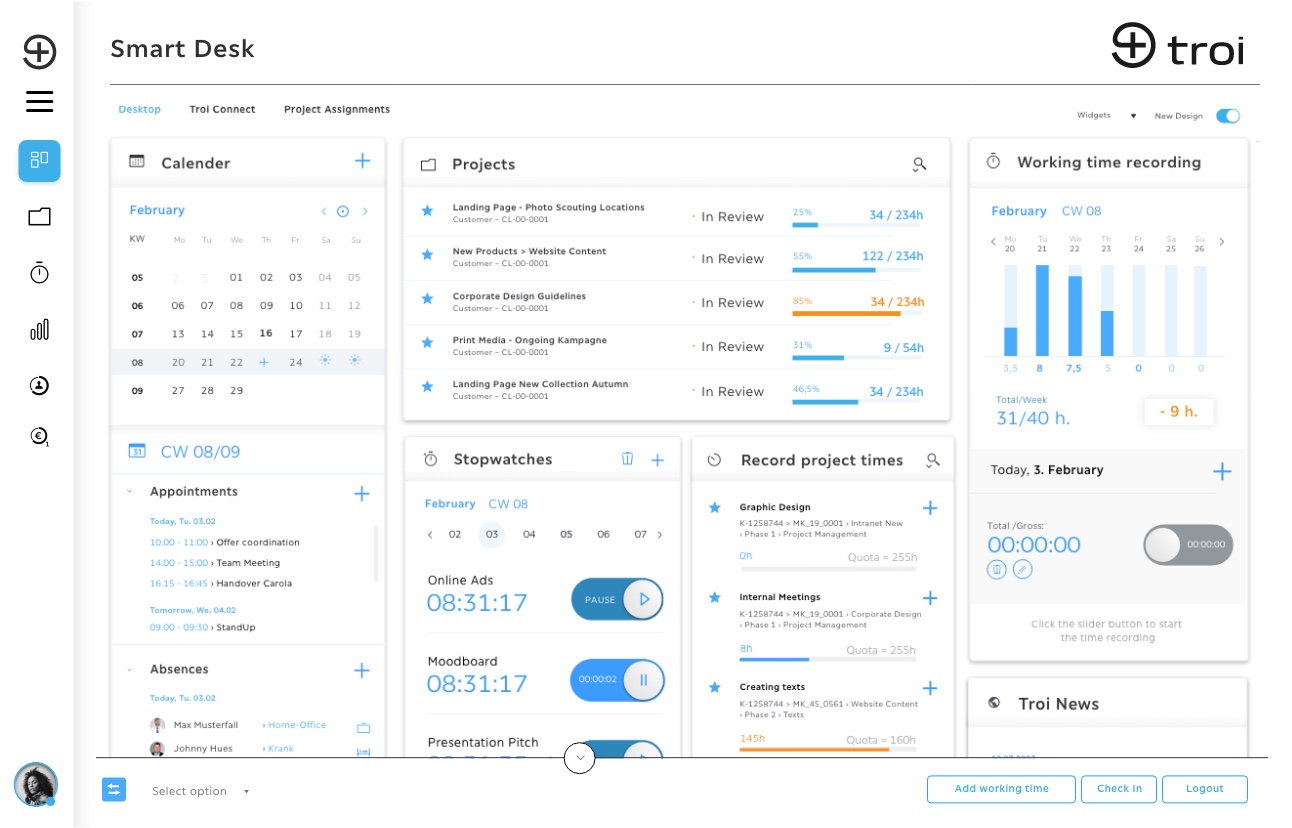
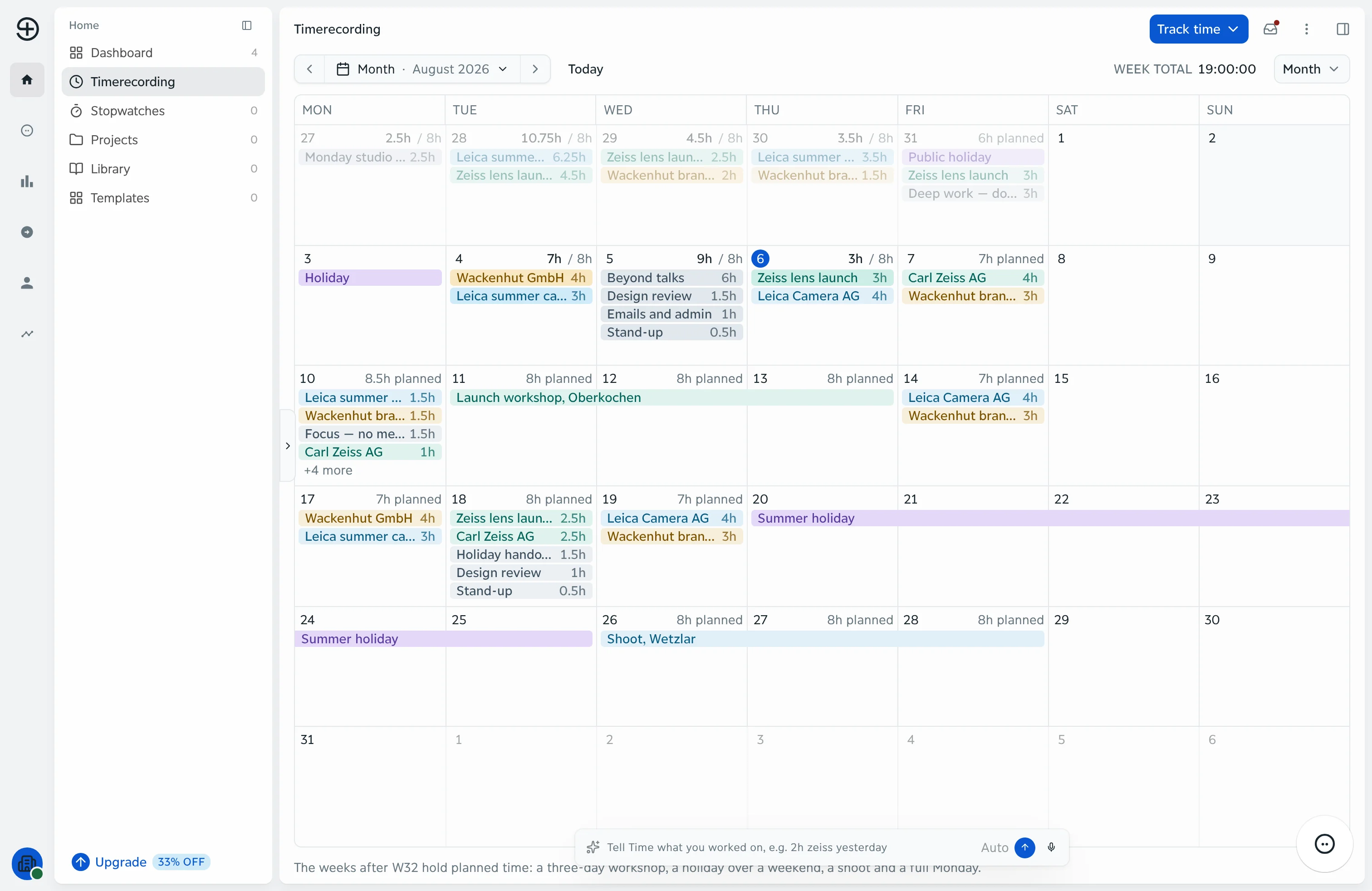
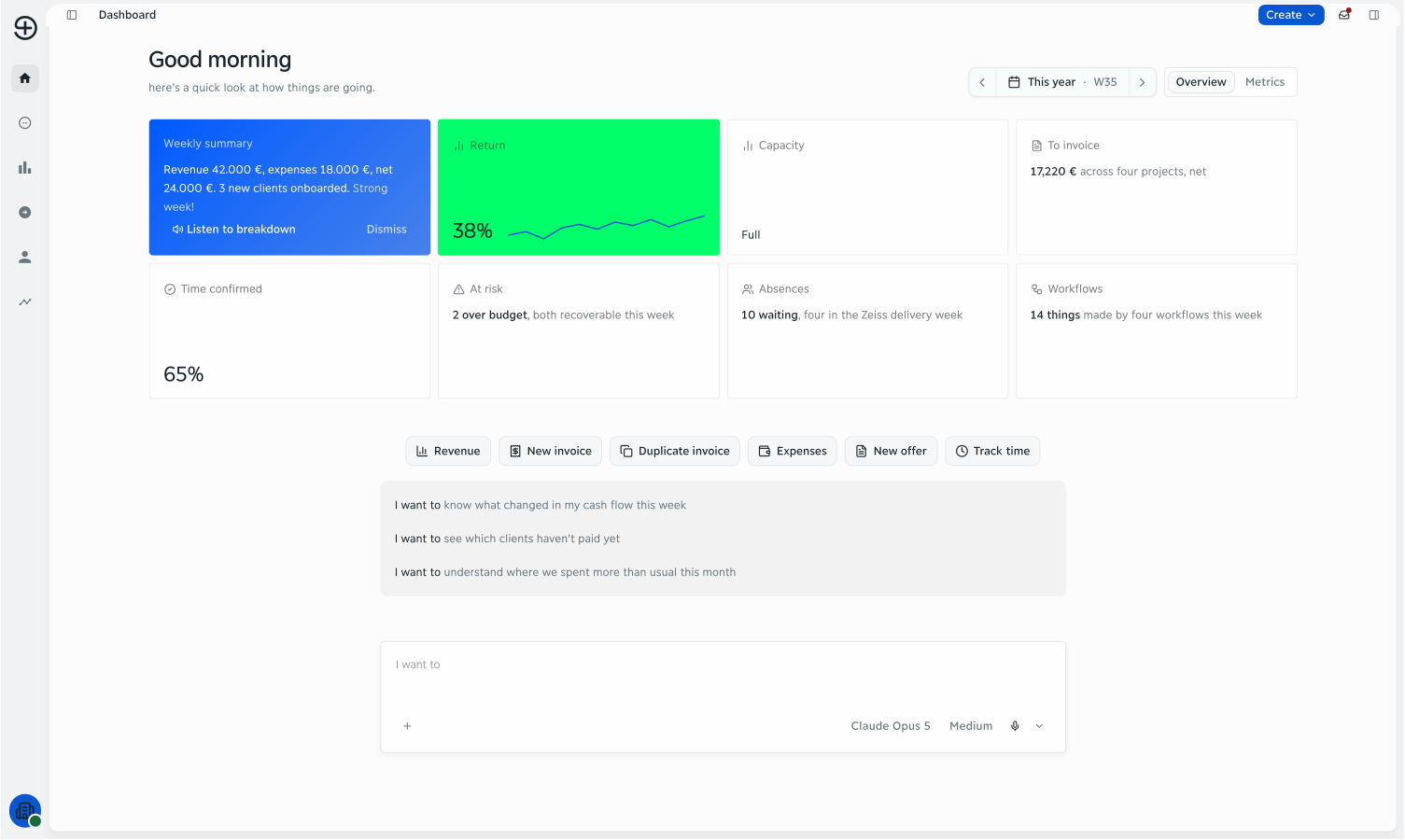
Where each phase stands, what is done and what is still open, in task management.
Planned, recorded and remaining per phase, with the gap named rather than implied.
Who is on your project this week, and who is already committed somewhere else.
Phases drifting, approvals still waiting, costs that have not landed yet.
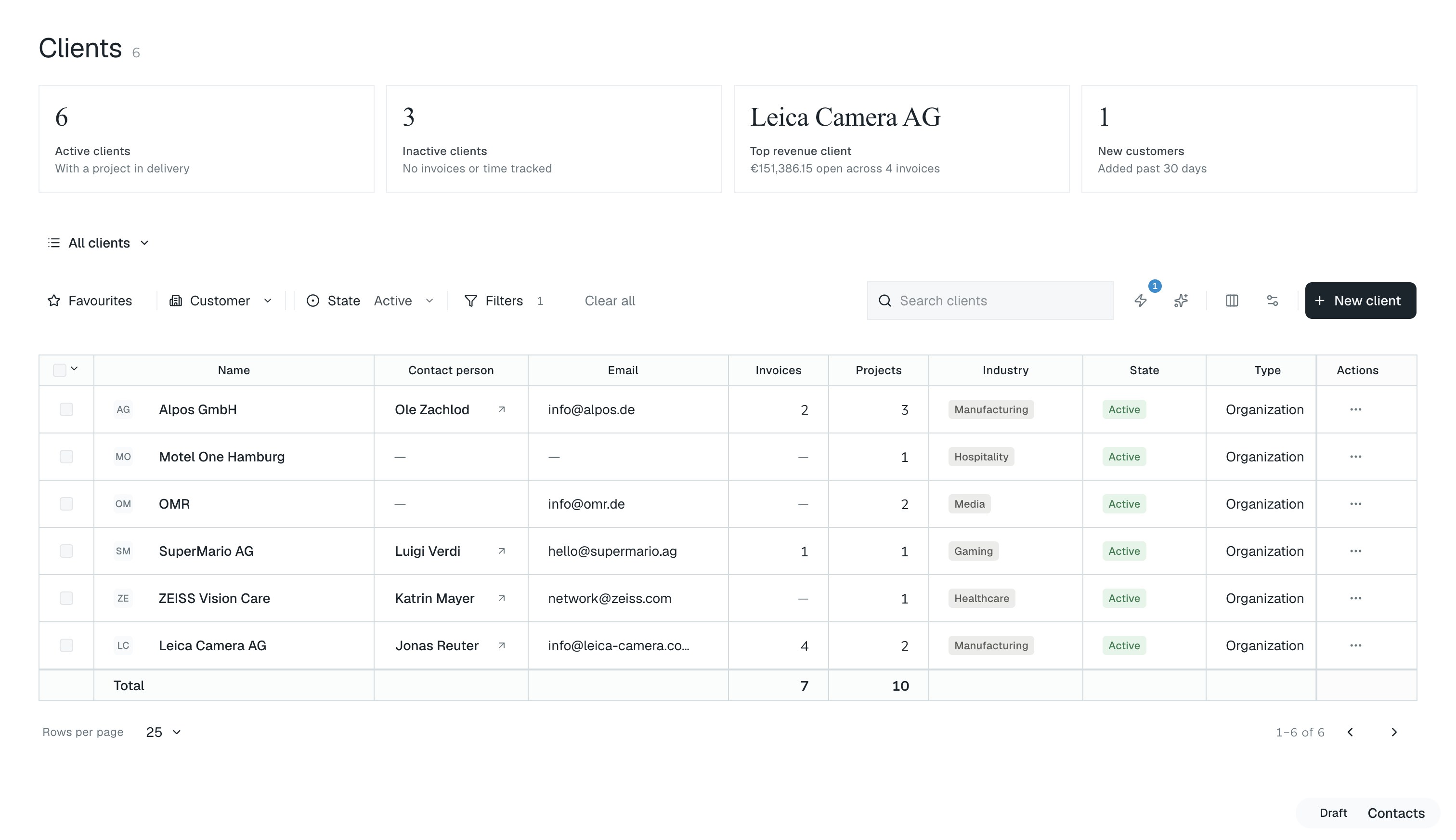
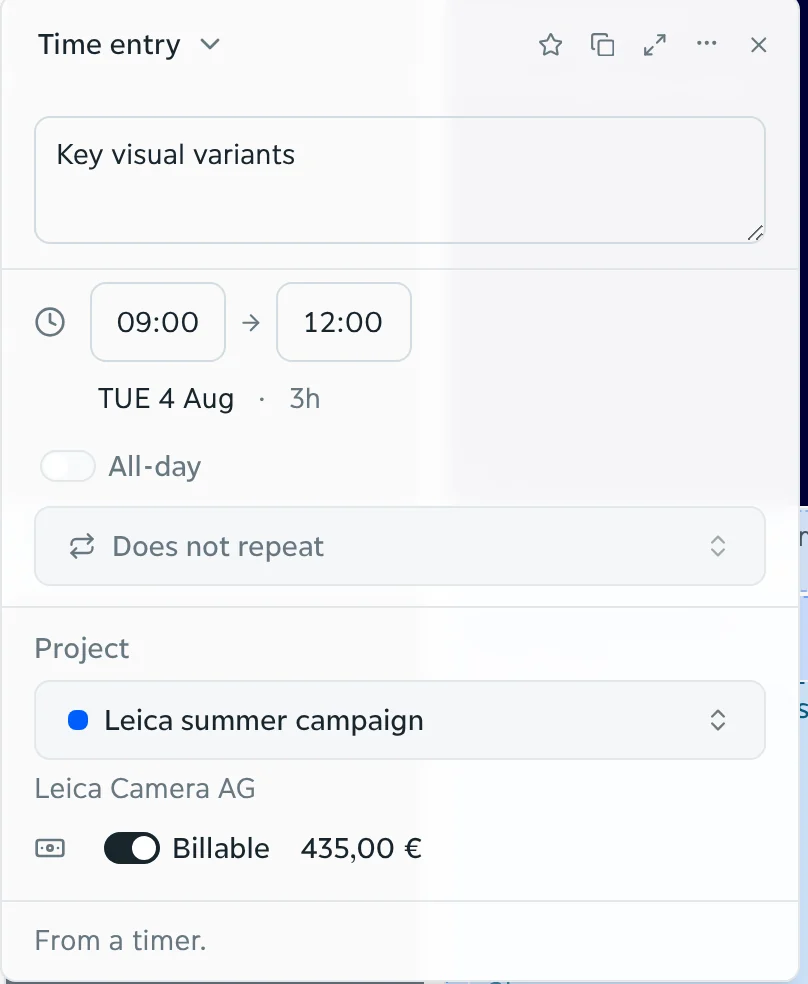
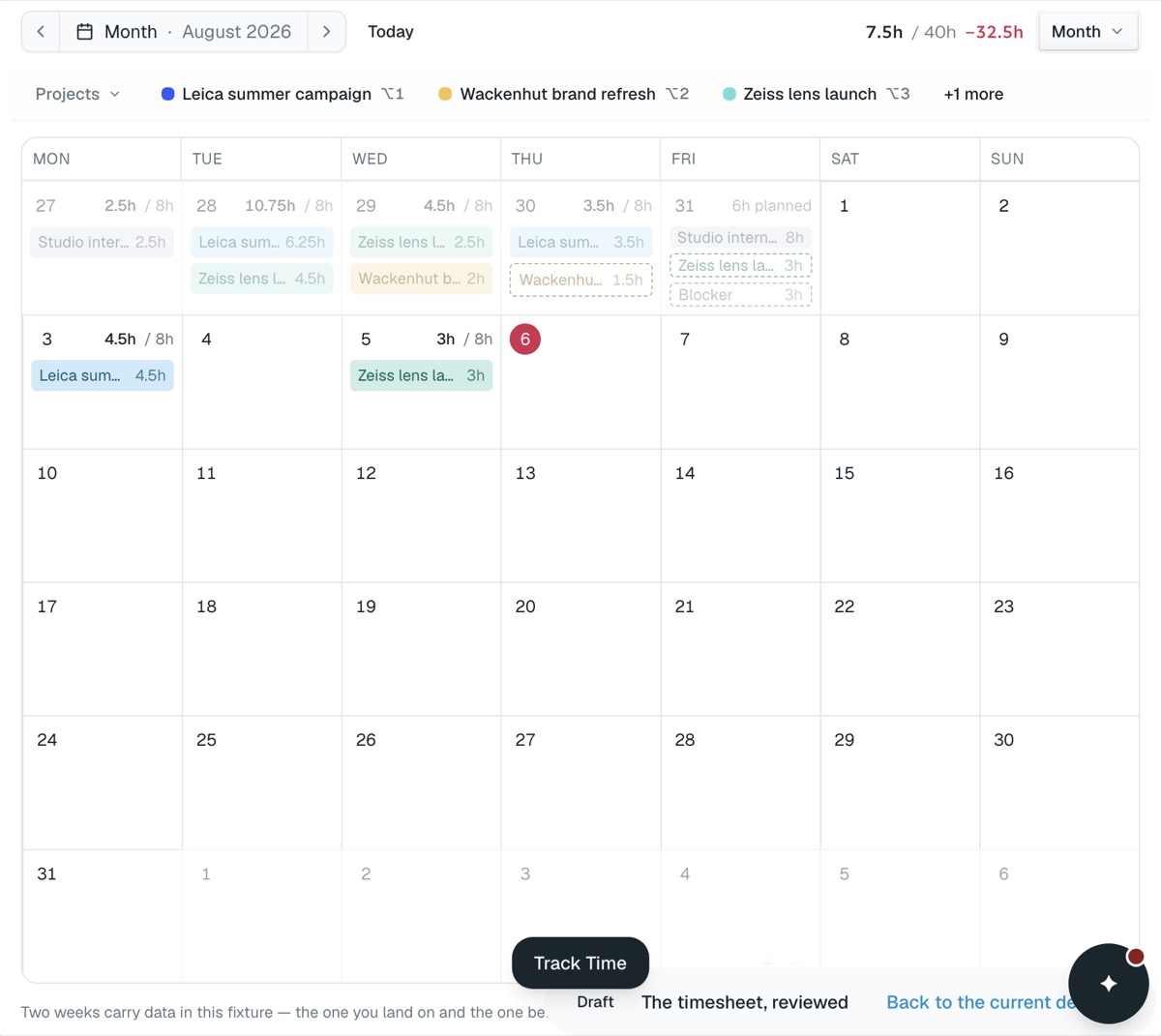
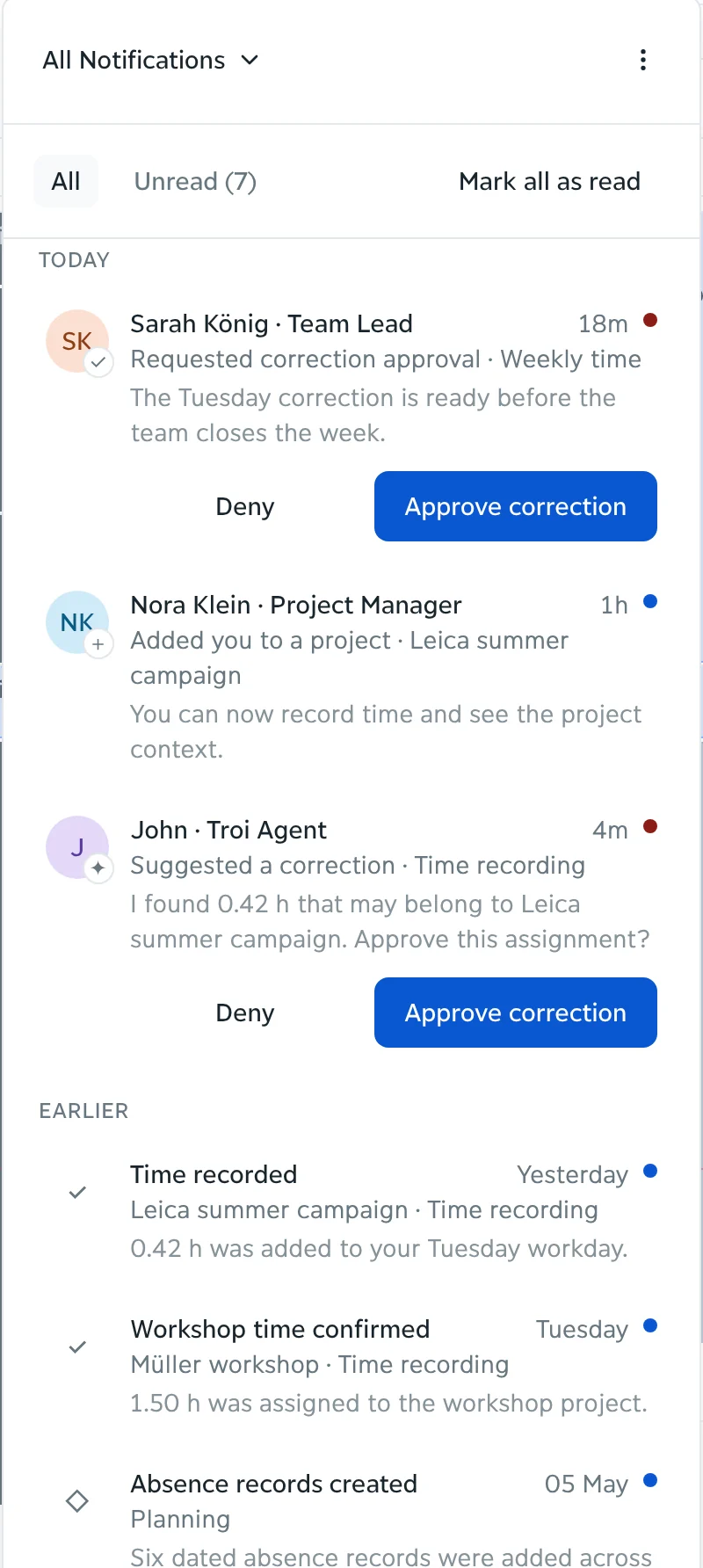

Project managers rarely lack judgement. They lack the figure, early enough to use it. Recorded hours arrive late, costs arrive later, and the first complete picture turns up in a monthly report. troi assembles that picture continuously, from what project estimation planned and what has actually been recorded since.
How it works
troi collects hours, costs, approvals and remaining effort per phase as they arrive. You decide what moves, whether that is a deadline, a phase that changes hands or a change request. The budget and the forecast follow, and the change lands in the plan, in capacity and in reporting and controlling without a second entry anywhere.
Hours, costs, approvals and remaining effort are collected as they arrive, per phase.
Shift a deadline, reassign a phase, raise a change request. The budget and the forecast follow.
The change lands in the plan, in capacity and in reporting and controlling, without a second entry anywhere.
An example
Phase two was planned at 240 hours. 198 are recorded and 70 are still estimated, so it lands at 268. The twenty-eight hours over plan are visible in week six, while phase three has not been staffed and can still absorb the difference.

01 · PlannedWhat the phase was given
03 · RemainingWhat it still needs
04 · The next estimate
It puts the plan, the recorded hours, the remaining effort and the available capacity in one place, so the state of a project can be read at any time instead of assembled from several tools before a meeting.
They move with every entry. A recorded hour, a booked cost or a confirmed change updates the budget and the forecast behind it, without an export or a monthly reconciliation.
Yes. Availability, current load and absences are visible across teams, so a date can be committed against what is actually free rather than what was assumed.
Phases, assignments and the forecast move with it.
Missing entries are flagged while the week is still open, to the person who did the work, so the gap closes before it reaches a report.
Core is available now, from €9.95 a month. Intelligence, Performance and Enterprise follow, each with everything before it.
See pricing