
Every entry updates the figures
Recorded hours flow into every report automatically, and billable hours are identified so they can be handed on to billing.

Functions in troi ai·onFunctions in troi five
Time Tracking Quote Calculation Project Estimation Task Management Resource Planning (Beta) Reporting & Controlling Digital Receipt Capture Integrations & APIs Try troi five free for 20 daysProduct overviewReporting and controlling
troi sets plan against actual for every project and client, from the project report to the company-wide MIS. The reporting and controlling described on this page is part of troi five.
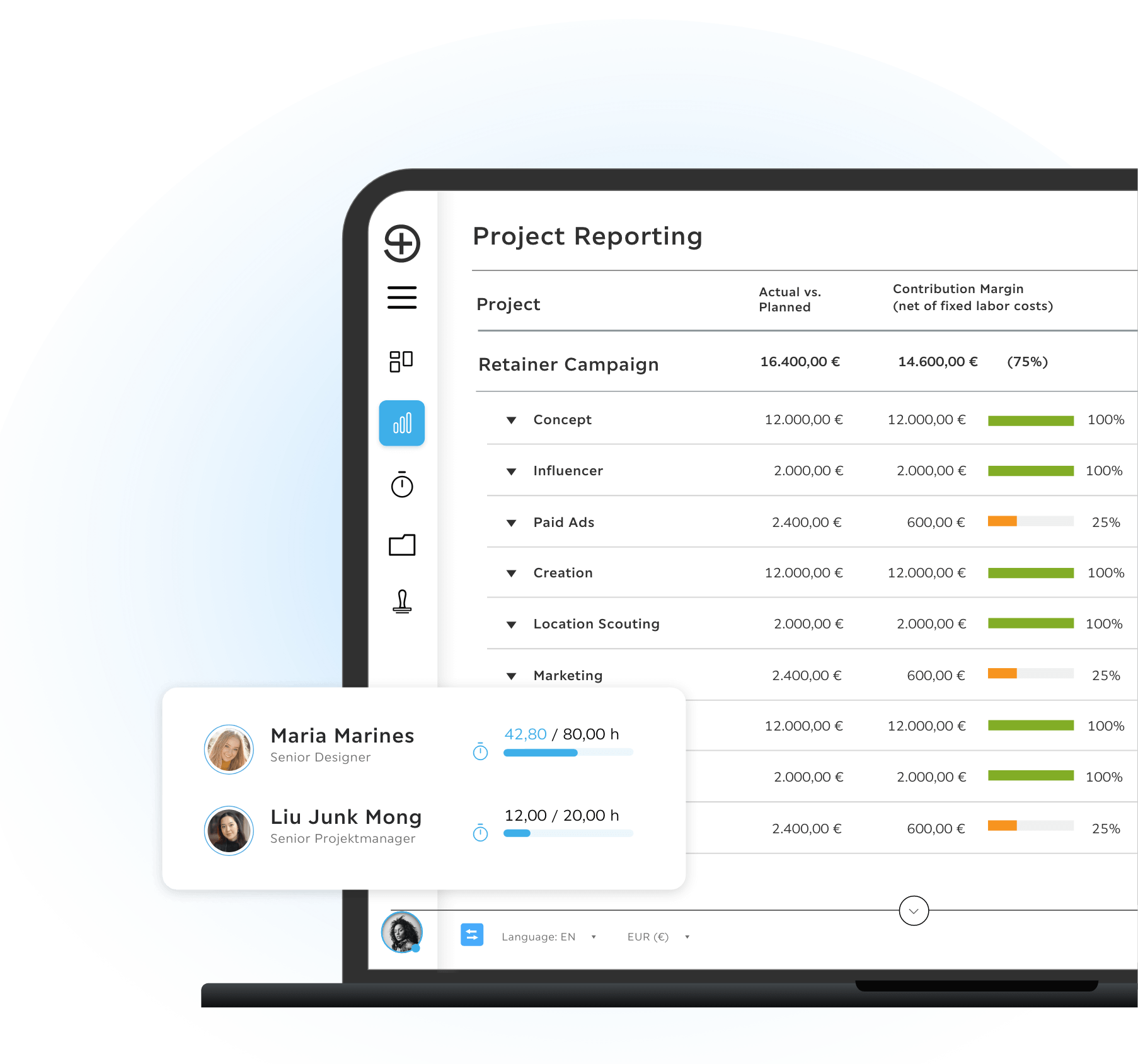
troi builds its figures from the same records that hold the projects, the quotes and the recorded hours. The MIS sets planned against actual for clients and projects, by status and period, and shows internal and external earnings. Every project has its own report, and the key figures are on your phone too, in the troi Live app.
Project status, budget used and remaining effort per project, measured against what project estimation planned.
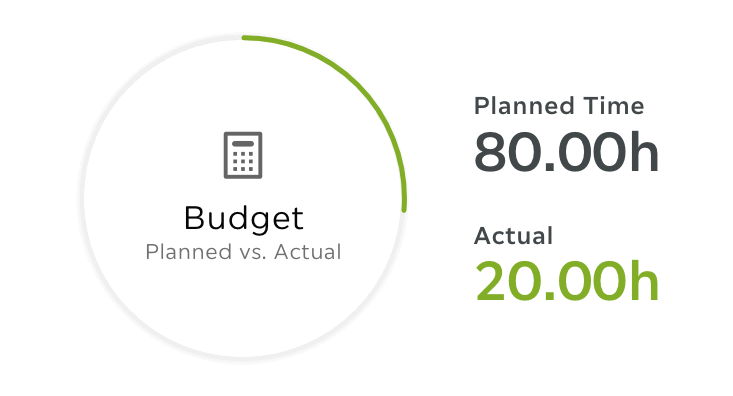
Planned and actual hours, the remaining effort and the hours that can be billed on, per project, so the gap shows while the project runs.
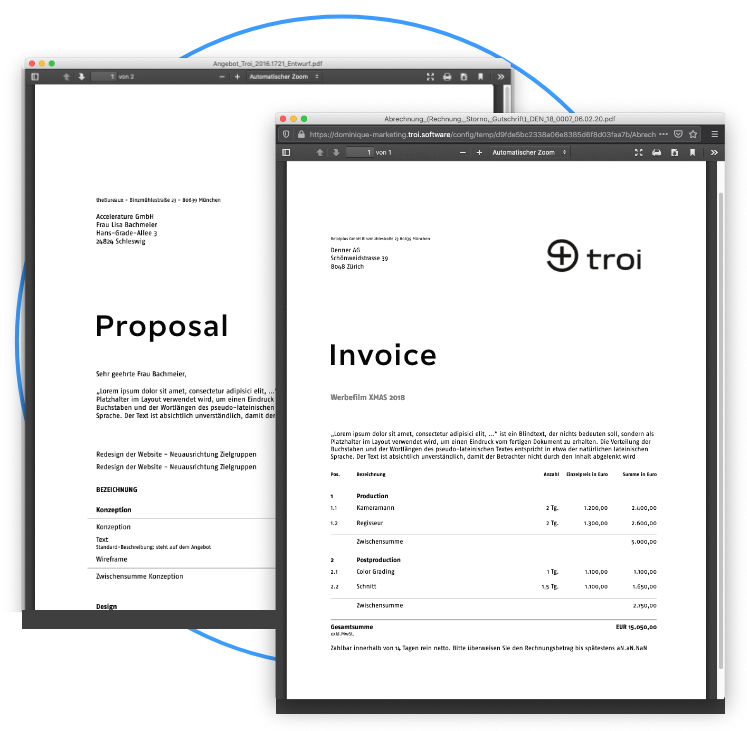
Billable hours are identified straight from time tracking and can be handed on to billing.
In the product
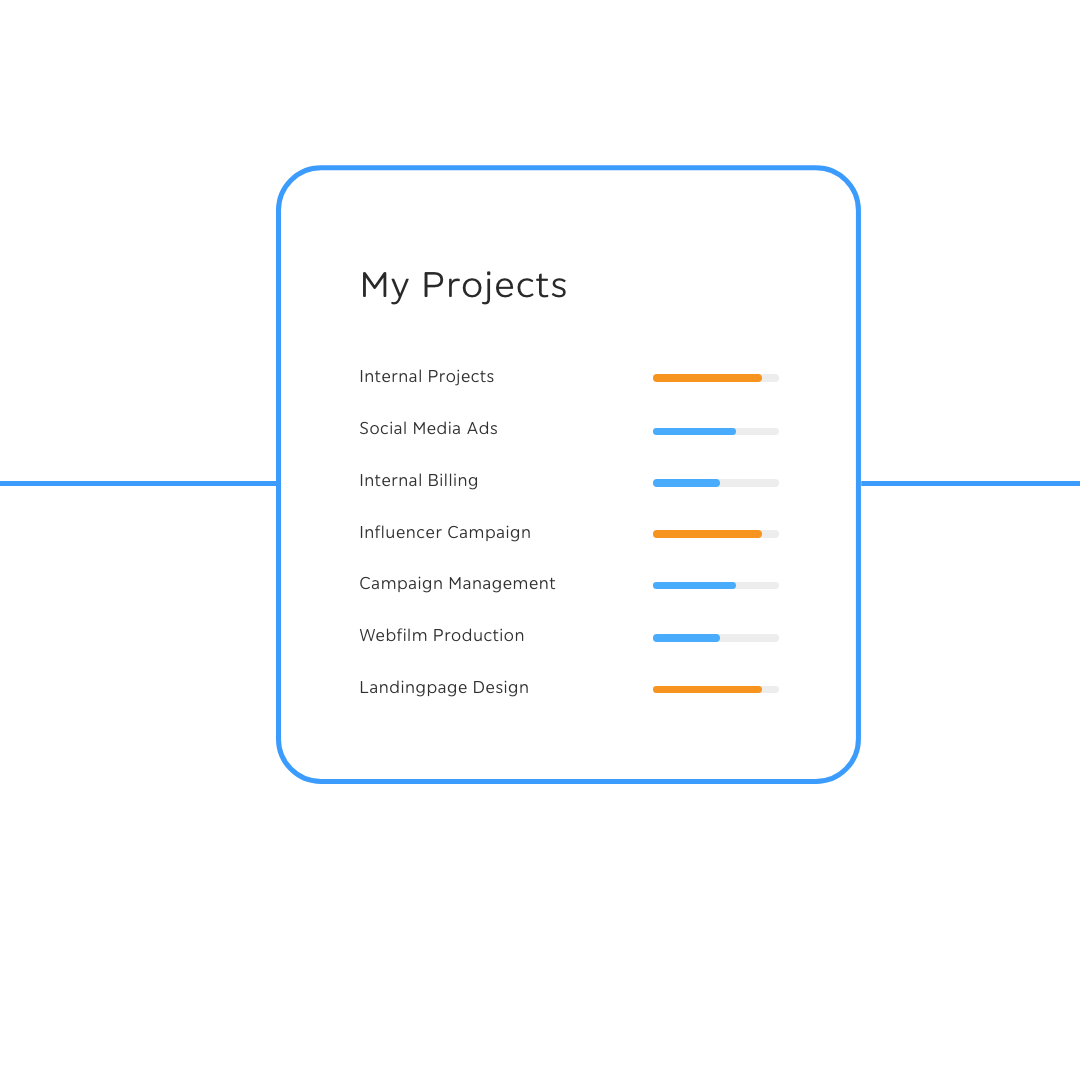
Project status, budget used and remaining effort for every project, as the hours arrive. The key figures are on your phone too, in the troi Live app.
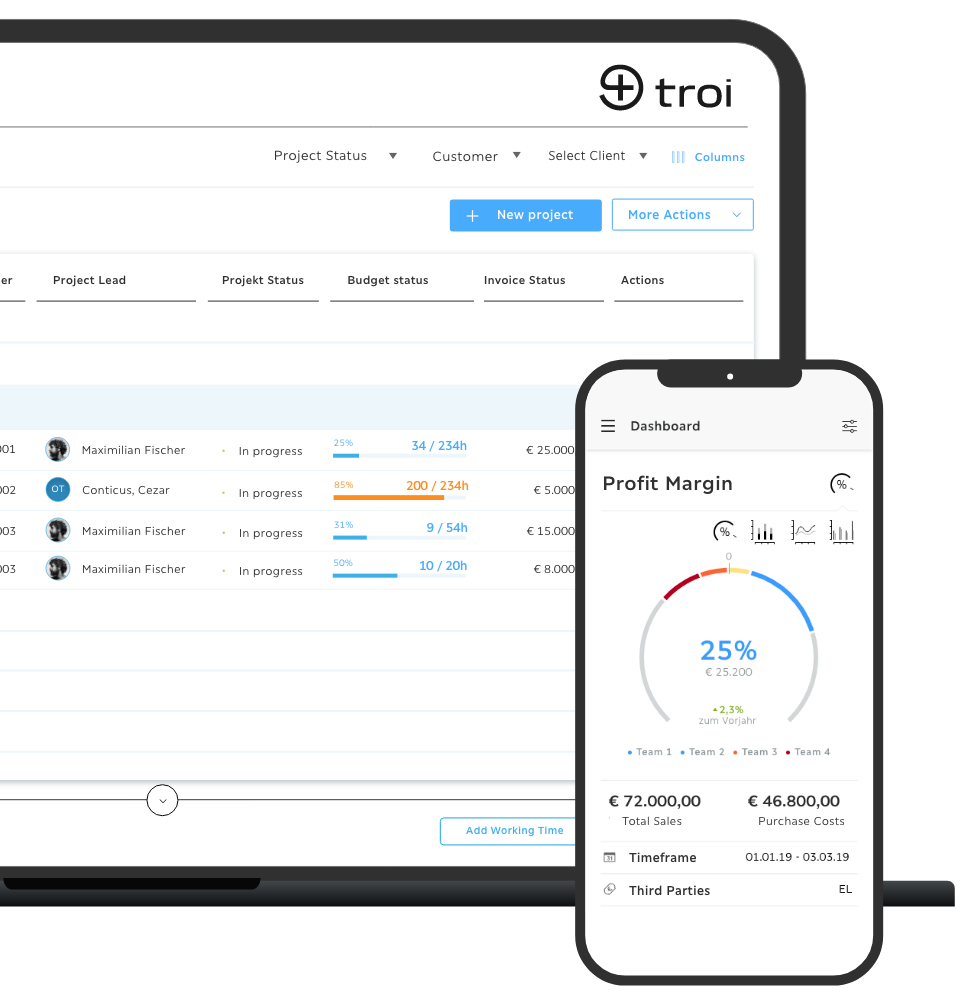
The MIS shows clients and projects by status, period and activity, planned against actual, with internal and external earnings. Sales Stage adds the revenue forecast, and the troi Live app shows revenue and contribution margin on the phone.
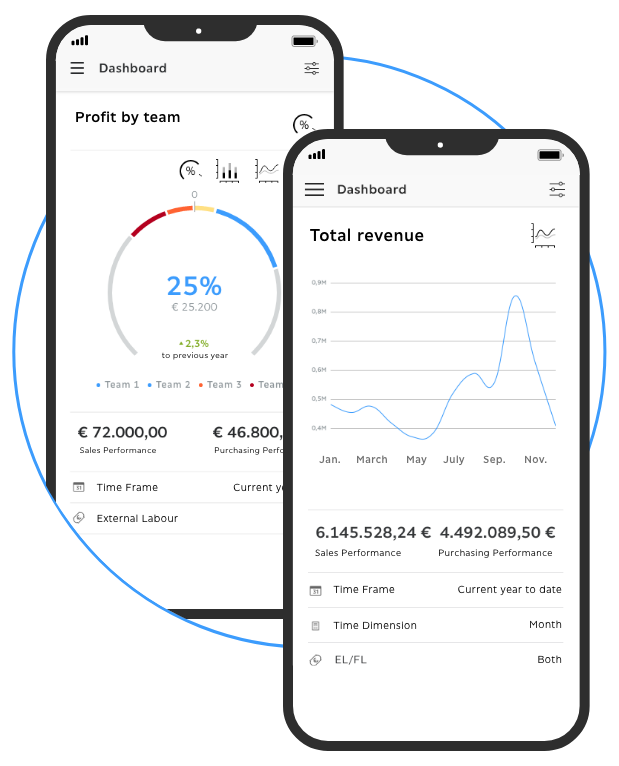

troi keeps the figures in the same system that records the hours, so every entry counts in the reports at once, without an export in between. Project status, budget used and remaining effort show for every project as the hours arrive, so the gap between plan and actual shows while the project runs.
Request a demoHow it works
The figures are built from the records themselves, filtered for the question at hand and handed on to accounting in one step. Every recorded hour updates the figures behind it, the same data answers a different question with each filter, and the export to Excel goes to accounting or your tax advisor.
Recorded hours flow into every report automatically, and billable hours are identified so they can be handed on to billing.
Filter by client, project, period and status, and the same data answers a different question.
Export to Excel in one click, or read the key figures on your phone in the troi Live app.
troi five is licensed per user: Teams at €19 and Professional at €49 per user per month, excl. VAT. Enterprise on request.
See pricingSoftware that shows how a project stands financially while it is still running: budget used, remaining effort, revenue and margin. In troi those figures come from the same records that hold the hours and the quote, so there is no export and no reconciliation step in between.
Per project: status, budget, planned against actual and the remaining effort. Across the company, the MIS shows clients and projects with planned and actual figures and internal and external earnings, the working time reports show the hours per person, and Sales Stage shows quotes, budgets and the revenue forecast.
Yes, by client, project, period and status. The result can be exported to Excel in one step, for accounting or for a tax advisor.
Yes. Recorded hours flow into every report automatically, and billable hours are identified so they can be handed on to billing.
Reporting and controlling is part of the troi five Professional license. The troi Live app is a separately bookable add-on module.
Your company already creates the experience.
Request a demoTry troi five free for 20 days