
troi collects continuously
Every recorded hour, booked cost and accepted quote updates the figures behind it as it lands.
Functions in troi ai·onFunctions in troi five
Time TrackingProject EstimationTask ManagementResource PlanningReporting & ControllingDigital Receipt CaptureIntegrations & APIsProduct overviewRoles
troi keeps hours, costs and invoices on the same records, so the month closes from the system rather than from spreadsheets.
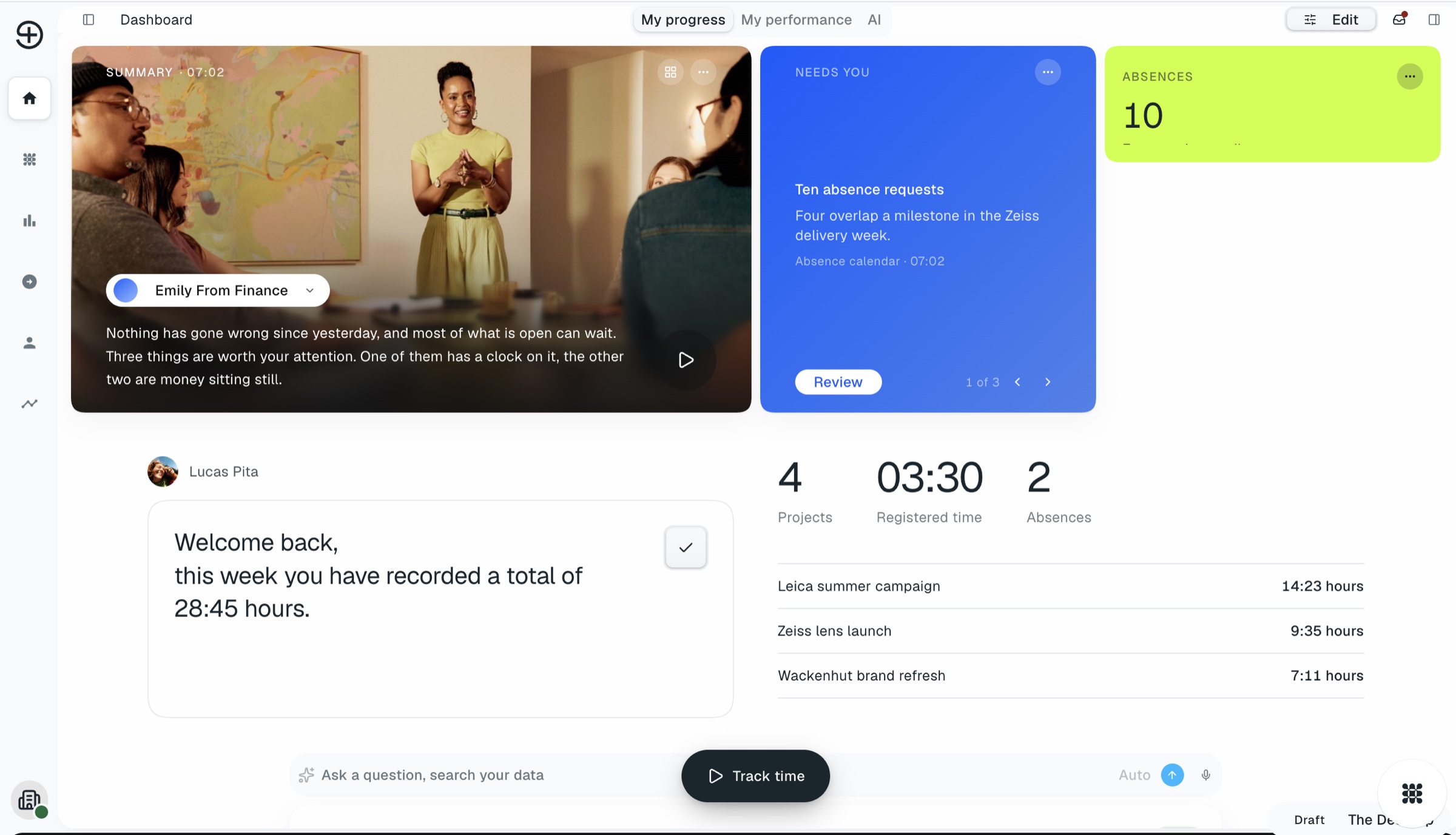
Controlling in a project business usually means collecting. Hours from one tool, costs from a second, invoices from a third, then reconciling all three. troi keeps them on the same project from the start, so the month can be closed from the records rather than rebuilt from exports.
Billable hours from time tracking sitting on projects before the invoice run, by client and by period.
Incoming and outgoing invoices arrive pre-coded through digital receipt capture, with their approval step behind them.
Excel in one step, and DATEV for the books through integrations.
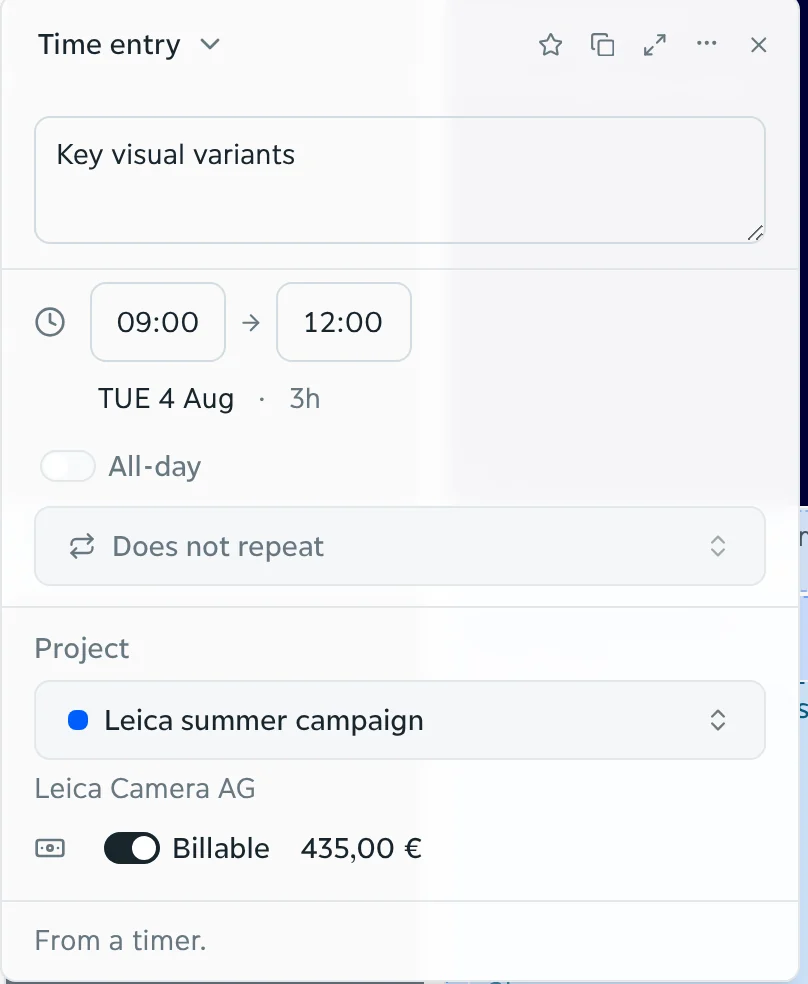
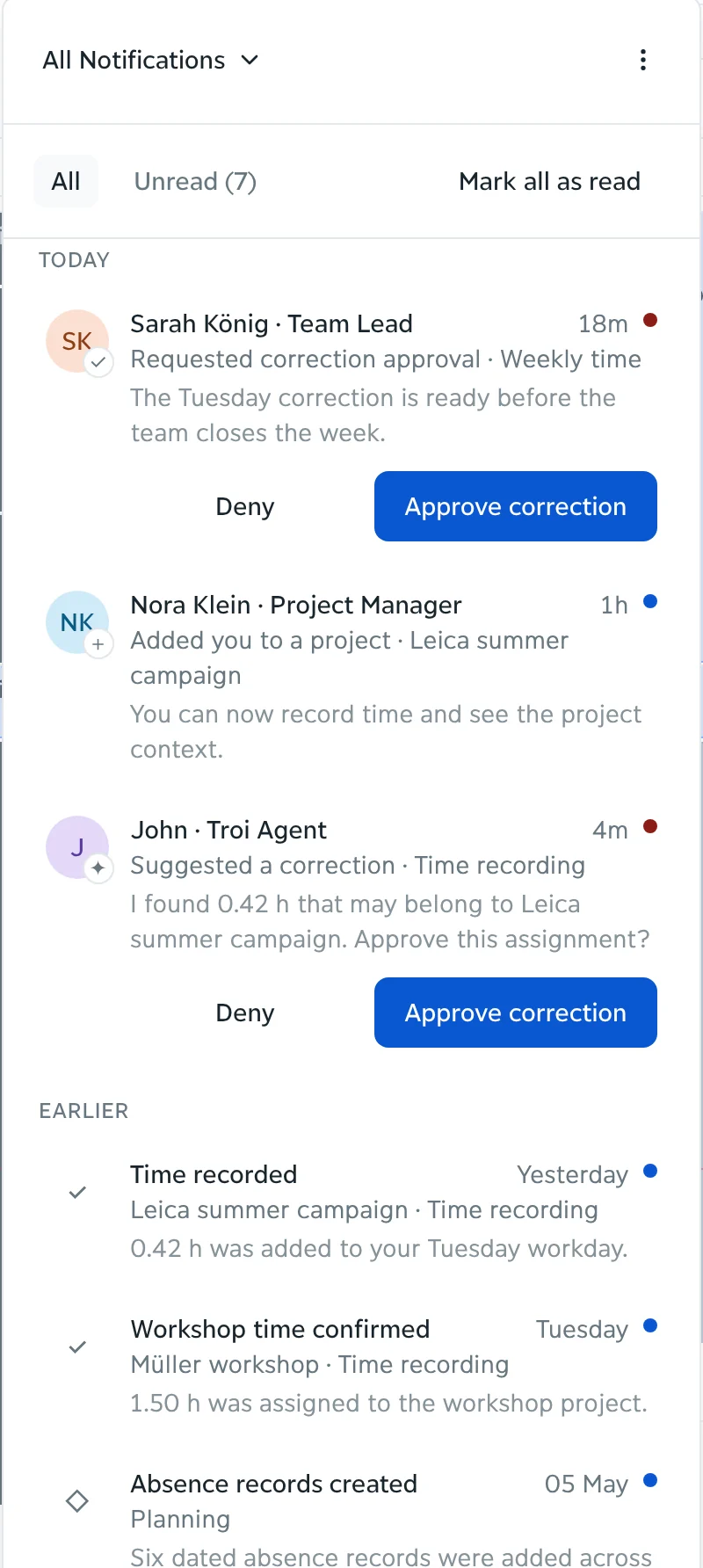
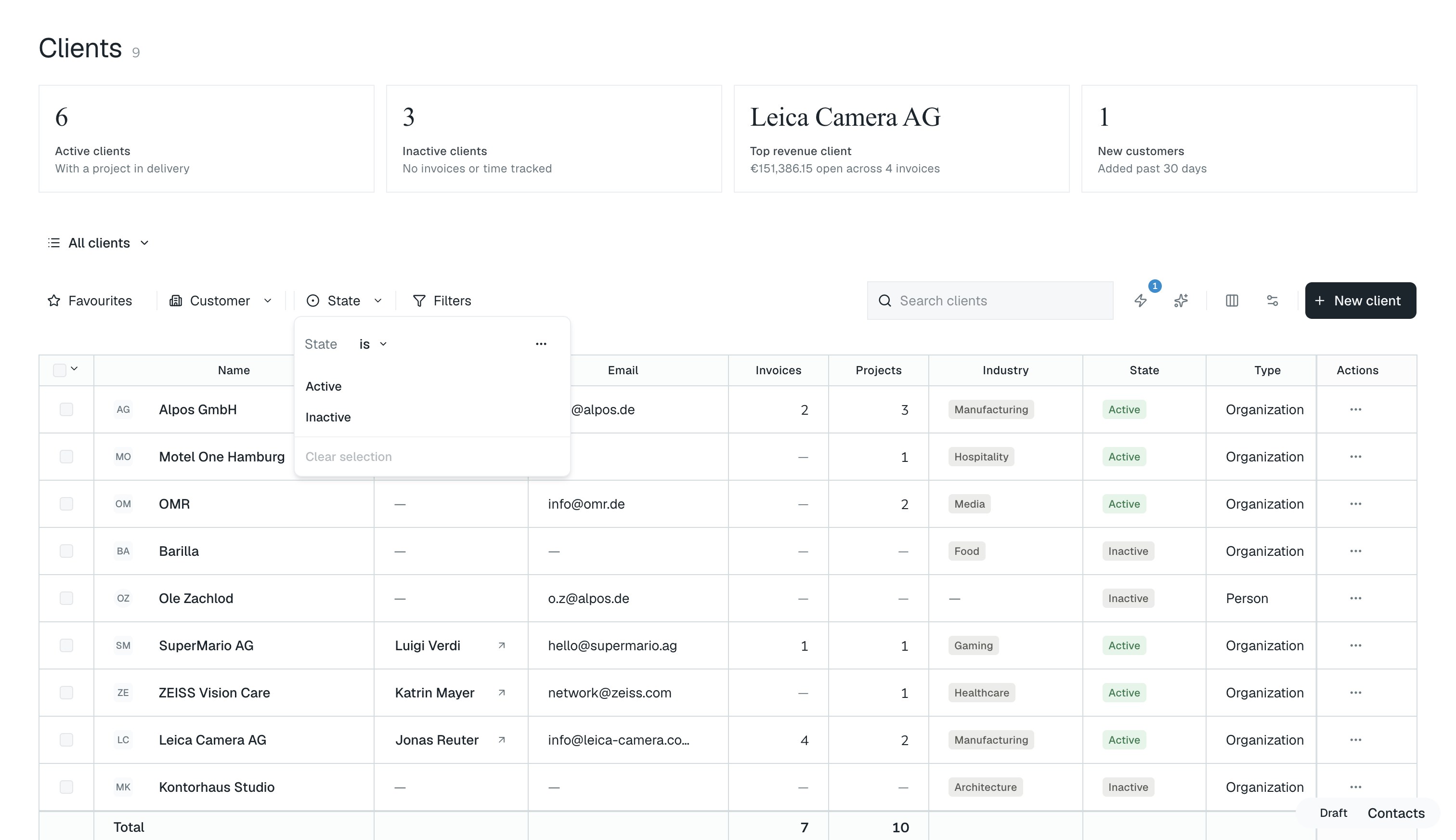
Recorded hours not yet invoiced, by client, by project and by period.
Revenue, contribution and margin per client, project and service, moving as the hours arrive.
What is ready to invoice, what is waiting on approval, and what was written down.
Filtered to what you need, then out to Excel or into the accounting system.
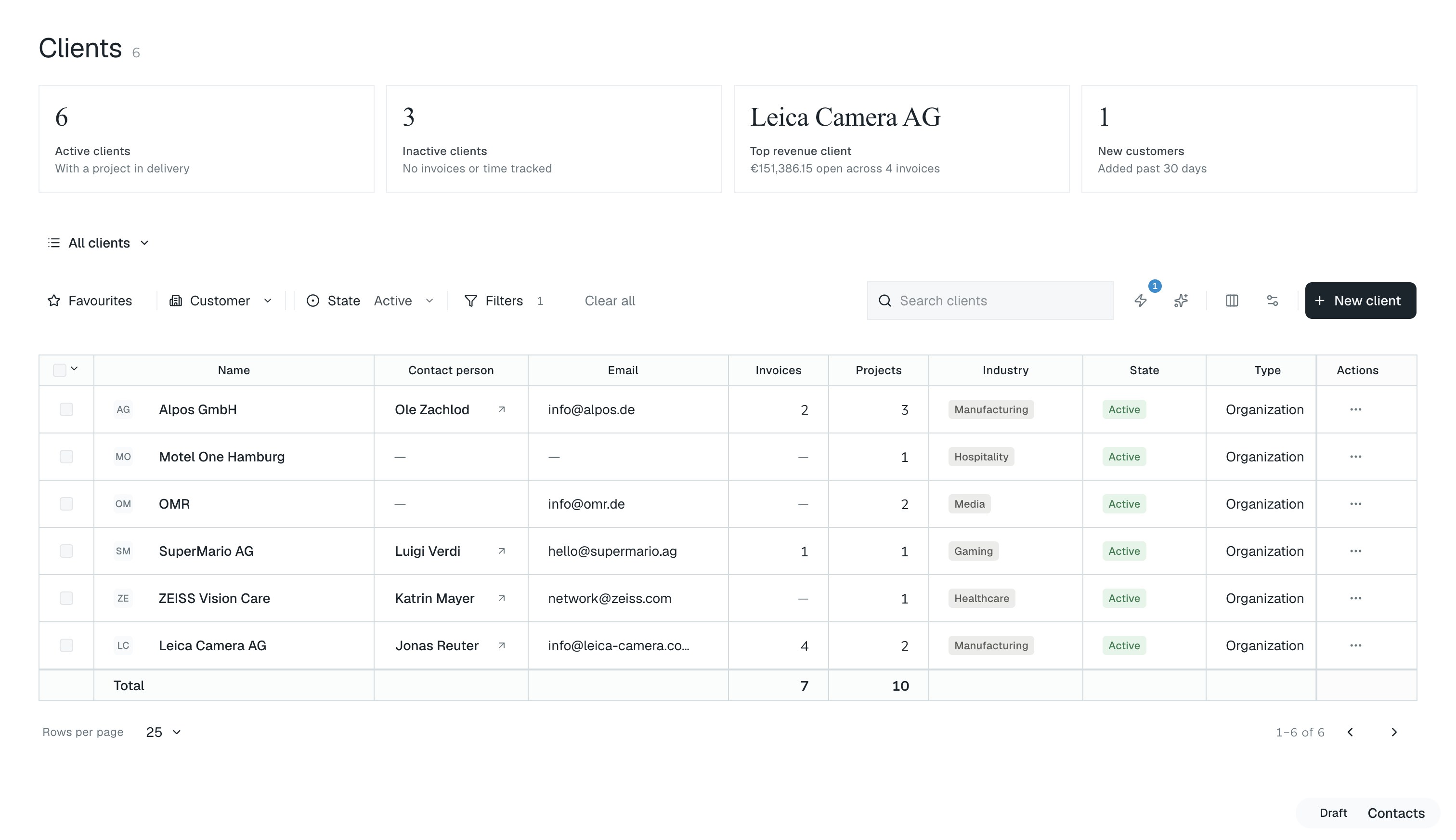
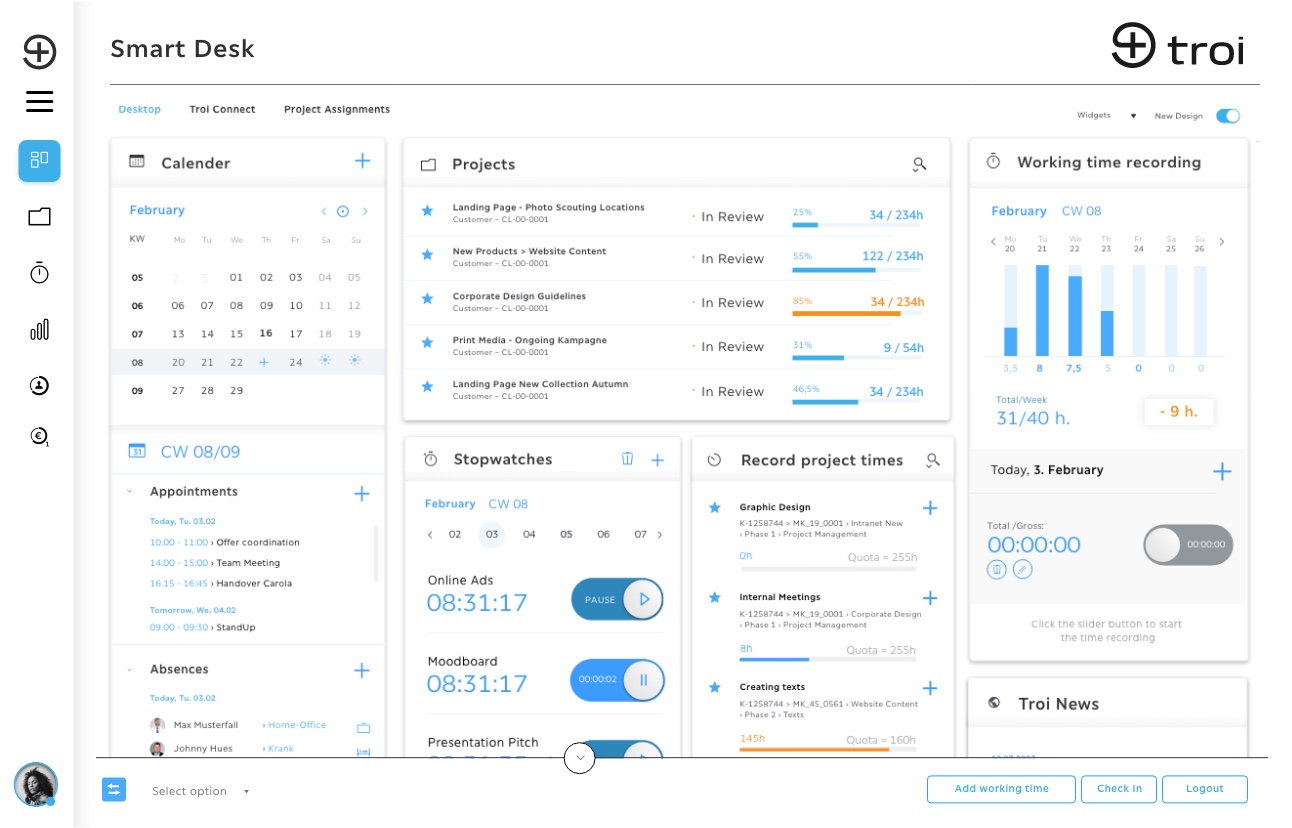
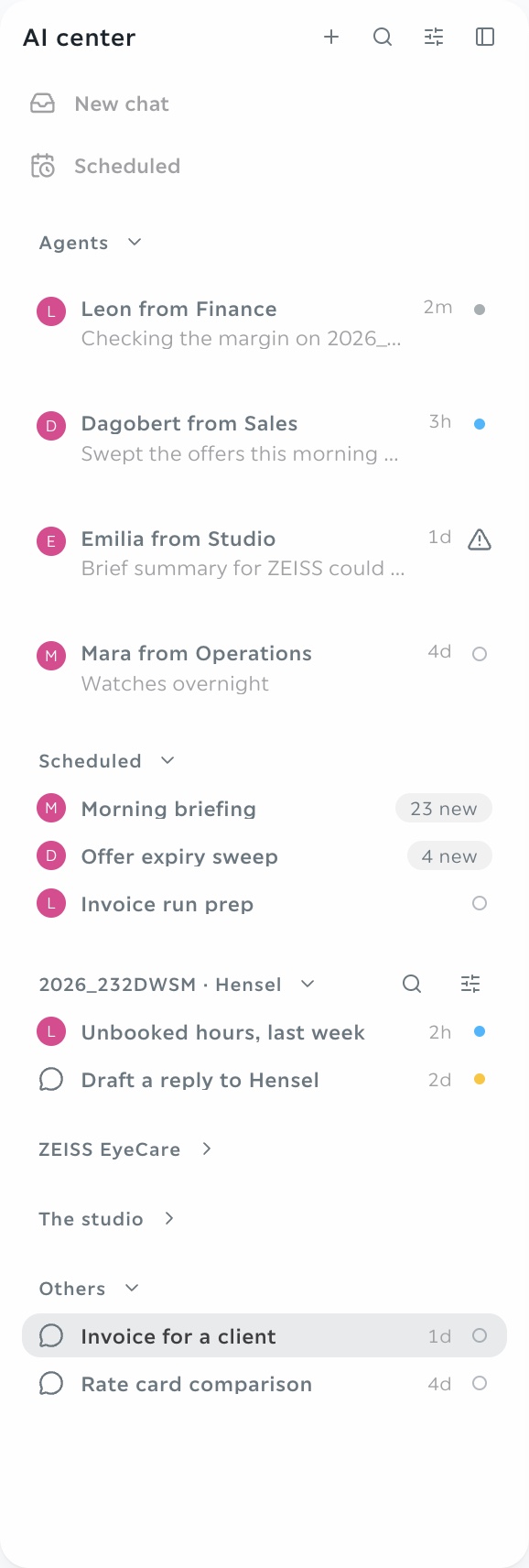
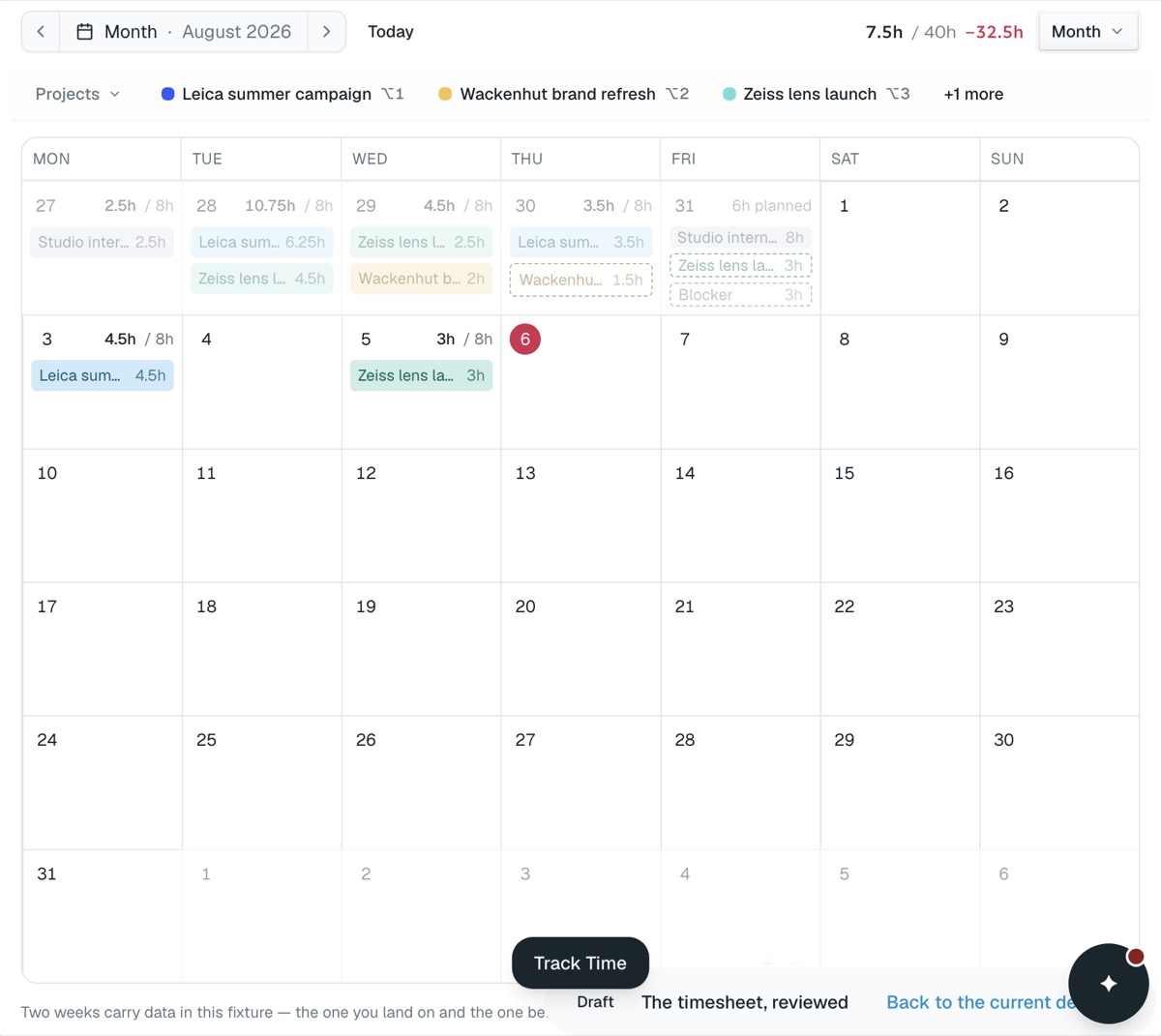

By the time hours, receipts and invoices have been gathered and reconciled, the period they describe is over and the decisions they should have informed are already made. troi keeps the figures current as the records arrive, so reporting and controlling becomes a view rather than a project of its own.
How it works
troi updates the figures as every recorded hour, booked cost and accepted quote lands. You decide what is invoiced, what waits and what is written down, per project and per client. Pre-coded entries then export in a DATEV-compatible format, with the booking journal behind each one, so the month closes from the records rather than from exports.
Every recorded hour, booked cost and accepted quote updates the figures behind it as it lands.
Decide what is invoiced, what waits and what is written down, per project and per client.
Pre-coded entries export in a DATEV-compatible format, with the booking journal behind each one.
An example
At the end of September, 1,240 billable hours are recorded and 1,090 are invoiced. The 150 unbilled hours are €20,250 at €135, and troi shows that 96 of them sit on two projects waiting for approval rather than on anything a client has disputed.

01 · Recorded as it happensHours, costs, approvals
03 · Closed from the systemNothing reconstructed
04 · The next estimate
It keeps hours, costs and invoices on the same project records, so budget consumption, margin and unbilled work can be read at any time instead of being assembled from several systems at the end of a period.
Yes. Recorded but not yet invoiced hours are visible by client, project and period, with what is ready to bill separated from what is still waiting on an approval.
Booking data exports in a DATEV-compatible format. Reports export to Excel in one step, for accounting or for a tax advisor.
Incoming and outgoing invoices are pre-coded at capture and carry their approval step, so only approved and assigned records reach accounting.
Yes, by client, project, period, service type and status, and the result exports in one step.
Core is available now, from €9.95 a month. Intelligence, Performance and Enterprise follow, each with everything before it.
See pricing